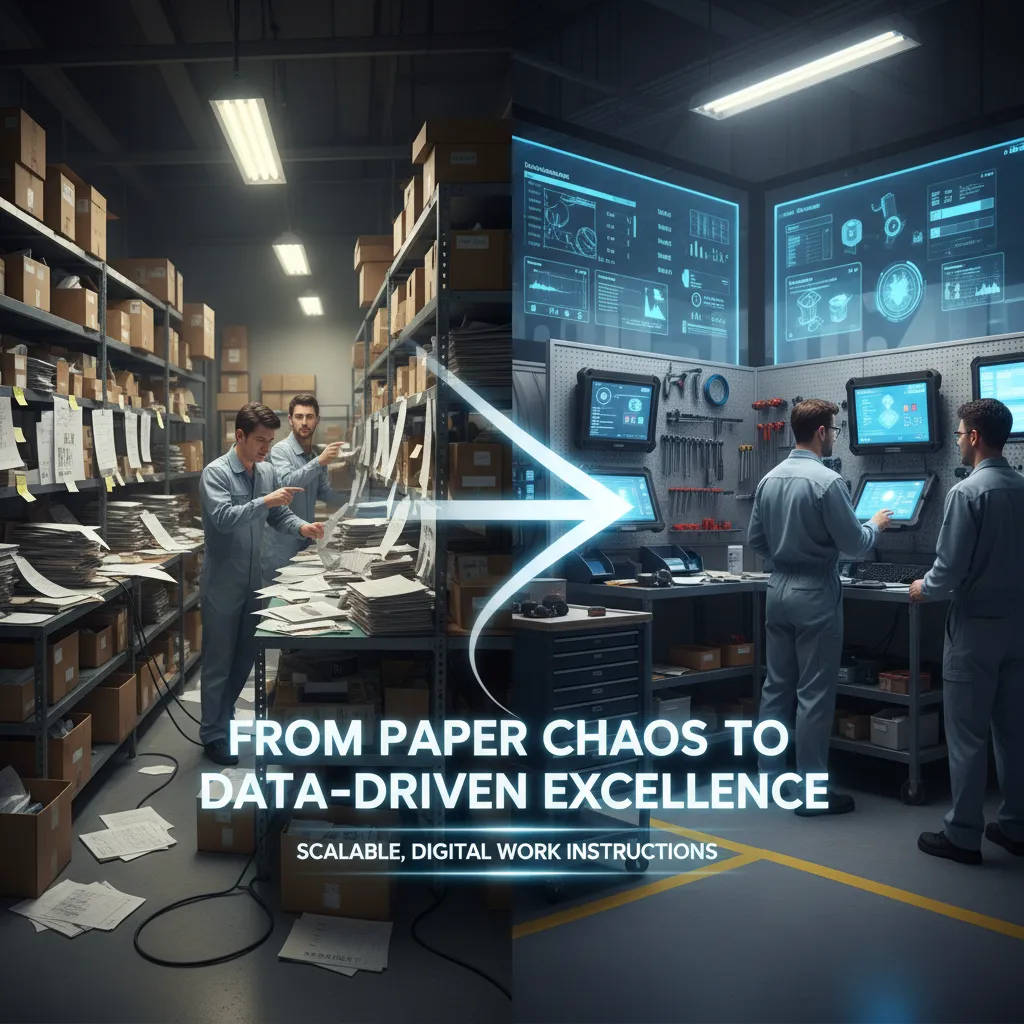
As manufacturing processes grow more advanced and interconnected, the need for precise, easy-to-follow work instructions continues to increase. They serve as the foundation for standardizing tasks, ensuring consistency, and maintaining high levels of quality across operations. Clear and accessible work instructions guide operators through each step of a process, reducing variability, minimizing the risk of human error, and helping teams meet production targets efficiently.
This is especially critical in industries such as automotive, aerospace, electronics, and industrial equipment, where a single mistake can result in costly rework, safety issues, or compromised product quality. Digital work instructions not only improve performance but also support regulatory compliance and traceability, making them a vital part of any quality-driven production environment.
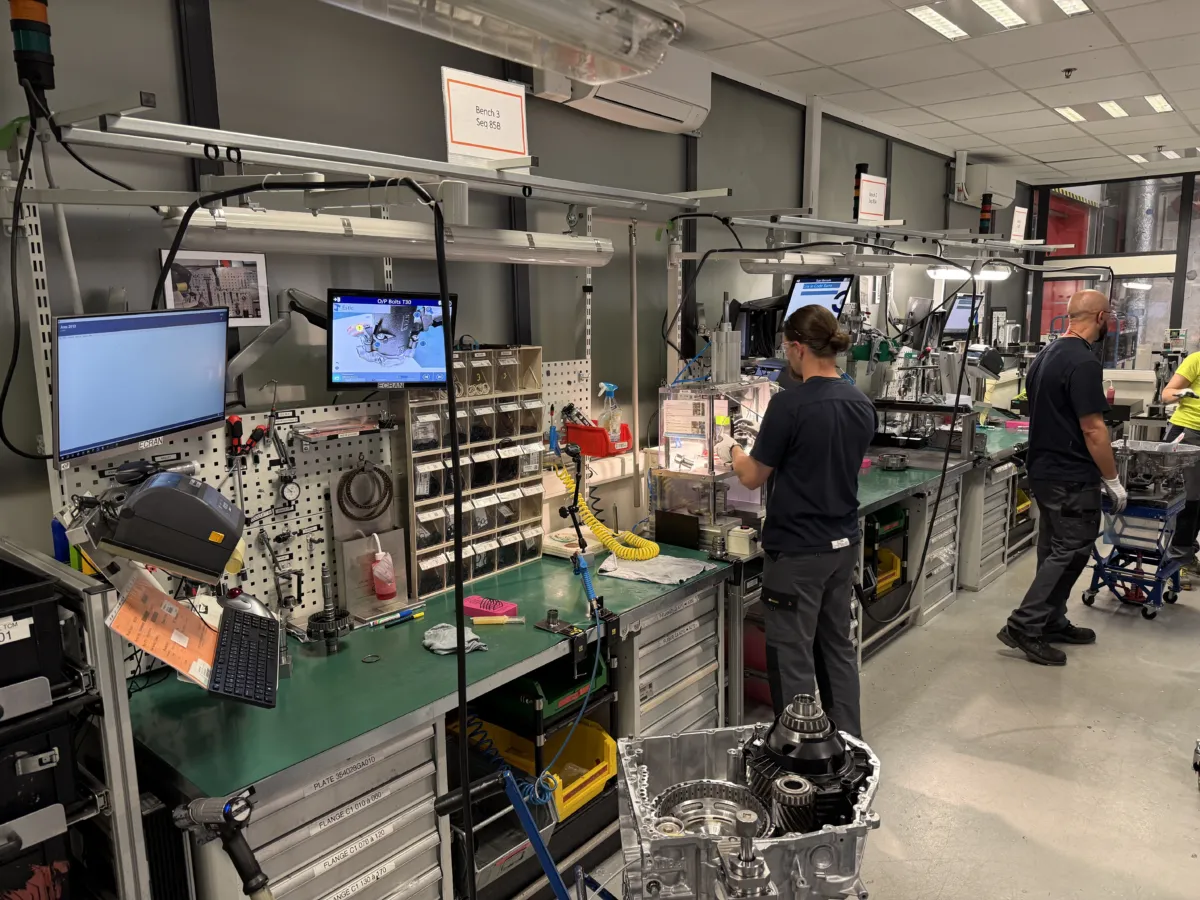

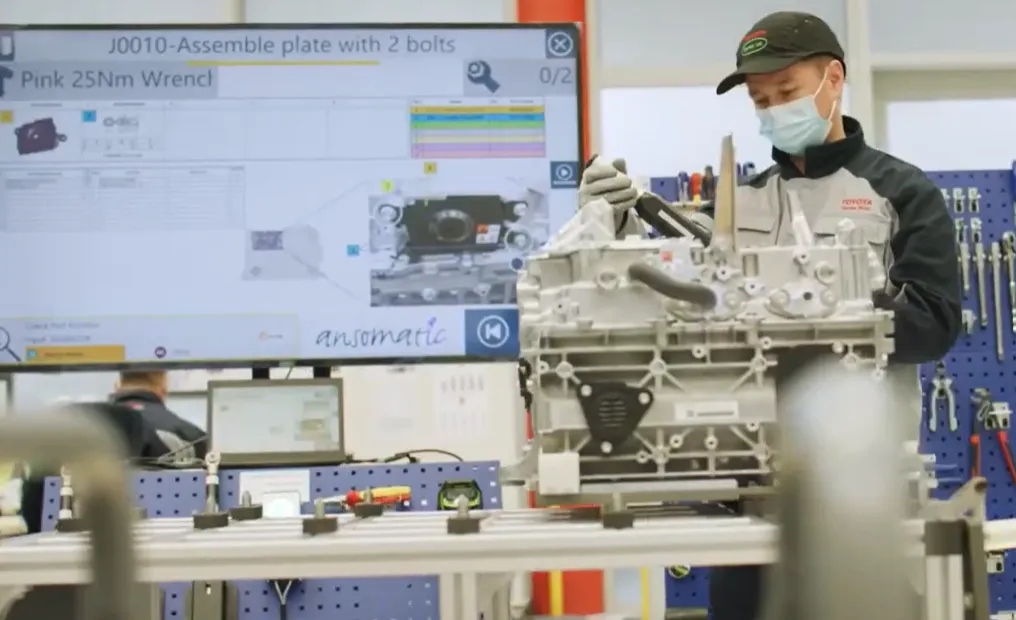
Work instructions software replaces paper instructions, PDFs and static documents with interactive, step-by-step digital guidance for shop floor operators.
Instead of searching through documents or determining which instructions apply, operators automatically receive the correct instructions for the product, configuration or variant they are working on.
Instructions can include:
Instructions can also adapt to an operator's skill level. New operators can receive additional guidance, while experienced operators can work with simplified instructions focused on critical actions and quality checks.
Paper instructions and static PDFs can tell operators what to do.
Modern work instructions software can go much further.
Ansomat turns digital instructions into an interactive production process that can guide operators, respond automatically to product variants, verify critical actions, connect with production tools, and capture process data.
| Before: Paper & Static Instructions | After: Ansomat Work Instruction Software |
| ✕ Paper manuals and static PDFs | ✓ Interactive digital work instructions |
| ✕ Operators search for the correct instruction | ✓ Correct instructions appear automatically |
| ✕ Same instructions for every operator | ✓ Guidance adapts to operator skill level |
| ✕ Product variants managed in separate documents | ✓ Instructions adapt automatically to each variant |
| ✕ Errors often discovered after the operation | ✓ Errors can be detected during the process |
| ✕ Tools operate separately from instructions | ✓ Smart tools and devices connect directly |
| ✕ Limited visibility into completed work | ✓ Complete operator and process traceability |
| ✕ Updates require replacing documents | ✓ Instructions are updated centrally |
Digitizing work instructions isn't just about putting a PDF on a screen.
With Ansomat, instructions become part of the production process. Operators receive the right guidance at the right moment, while connected tools, sensors and systems can verify that critical steps have been completed correctly.
Guide. Verify. Prevent errors. Capture data.
For critical manufacturing operations, displaying an instruction may not be enough.
Ansomat can connect work instructions with production tools and devices to automatically validate operator actions.
Connect electric screwdrivers, nutrunners, pulse tools and digital torque wrenches.When the fastening operation meets the required parameters, the instruction can automatically continue to the next step.

Use vision systems to verify components, positions, operator actions and product conditions in real time.
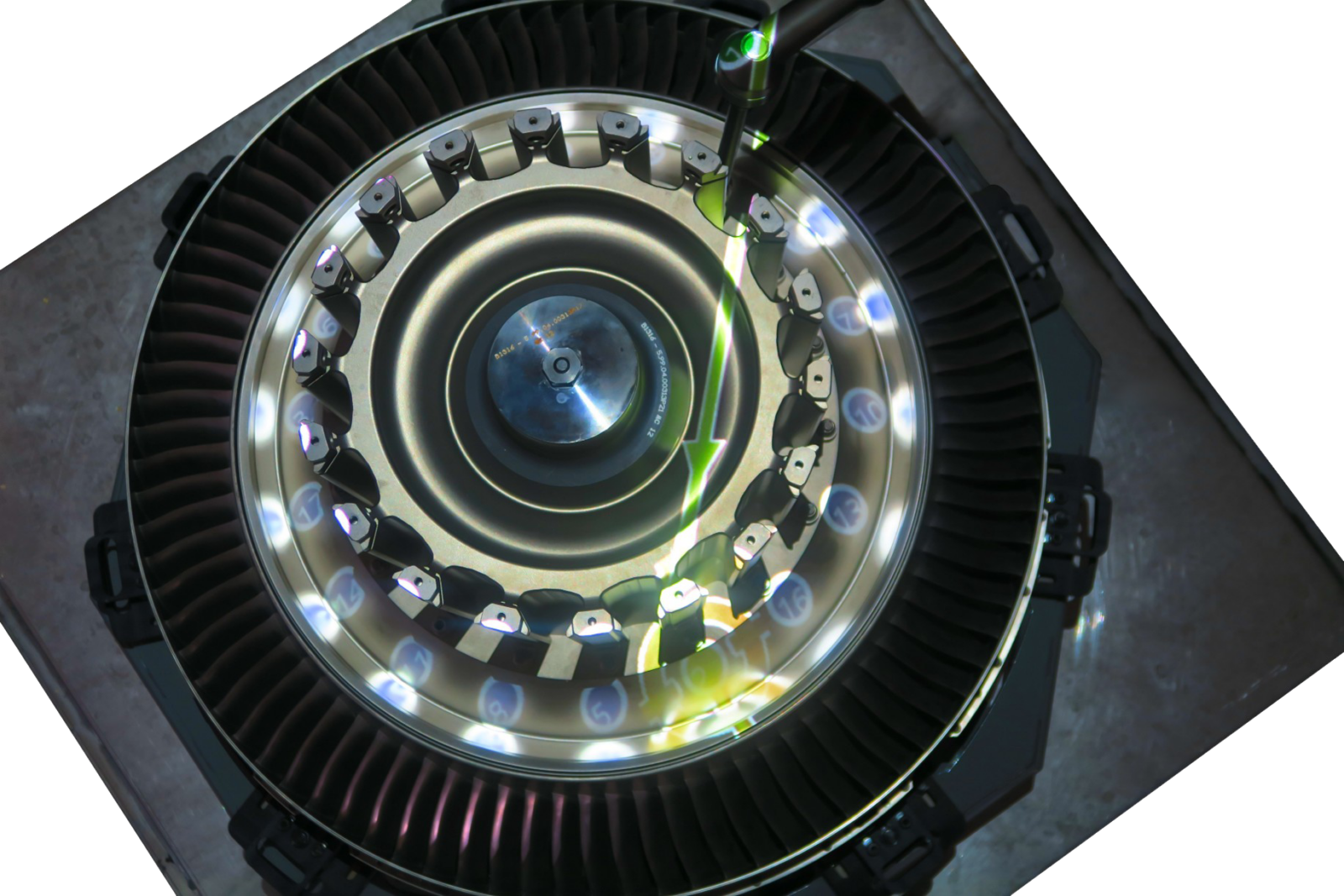
Project work instructions onto the work area through a projector, also called Augmented Reality
Monitor operator actions and predefined zones to validate whether an operation has been performed correctly.
Use real-time location data to verify that tools, components or operators are in the correct location before allowing production to continue.
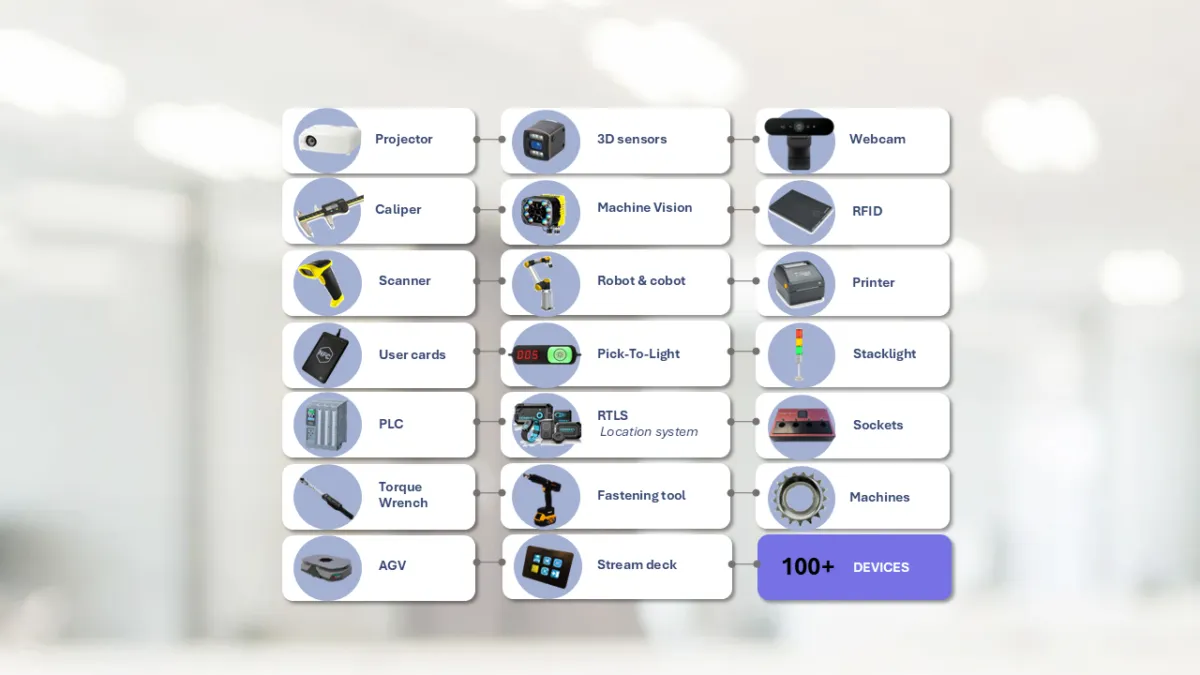
Connect hundreds of devices and technologies to transform digital work instructions into a smart, connected, and data-driven operator guidance system.
As manufacturing evolves toward the principles of Industry 5.0, the focus is shifting toward software for work instructions that support collaboration between human workers and machines. Work instruction software play a central role in this transformation. They provide the flexibility and connectivity required to meet the needs of a more dynamic, human-centered production environment.
New technologies such as artificial intelligence, machine vision, and advanced robotics are increasingly integrated into production systems. To match this level of sophistication, instructions must be adaptable, always up to date, and capable of delivering information in an intuitive and actionable format. Digital platforms ensure that workers have access to the latest procedures in real time, eliminating confusion caused by outdated documents or printed manuals.
Moreover, digital work instructions can be enriched with multimedia elements like videos, animations, or augmented reality overlays. These features make it easier for operators to understand complex steps and complete their tasks with greater accuracy. The ability to personalize instructions based on skill level, job role, or language also contributes to a more inclusive and effective working environment.

When selecting a work instruction platform for your factory or production line, several key criteria should be taken into account. This to ensure the software aligns with your operational goals and technological infrastructure.
The first and perhaps most important factor is ease of use. A system that is too complex to maintain or too difficult for users to navigate will not be adopted effectively. Many manufacturers face challenges when key users leave and the remaining staff struggle to update or adapt the system. Selecting a platform that is intuitive and simple to manage ensures long-term usability and scalability.
Device flexibility is another practical aspect to evaluate. Depending on your workspace, you may prefer tablets or smartphones for mobility, especially in large or hard-to-reach areas. On the other hand, fixed screens such as desktop computers offer more stability and allow for the integration of peripheral devices and sensors.
Wearables and AR glasses provide a hands-free option that is particularly useful in high-complexity or safety-sensitive environments, where the operator must remain focused and mobile at the same time.
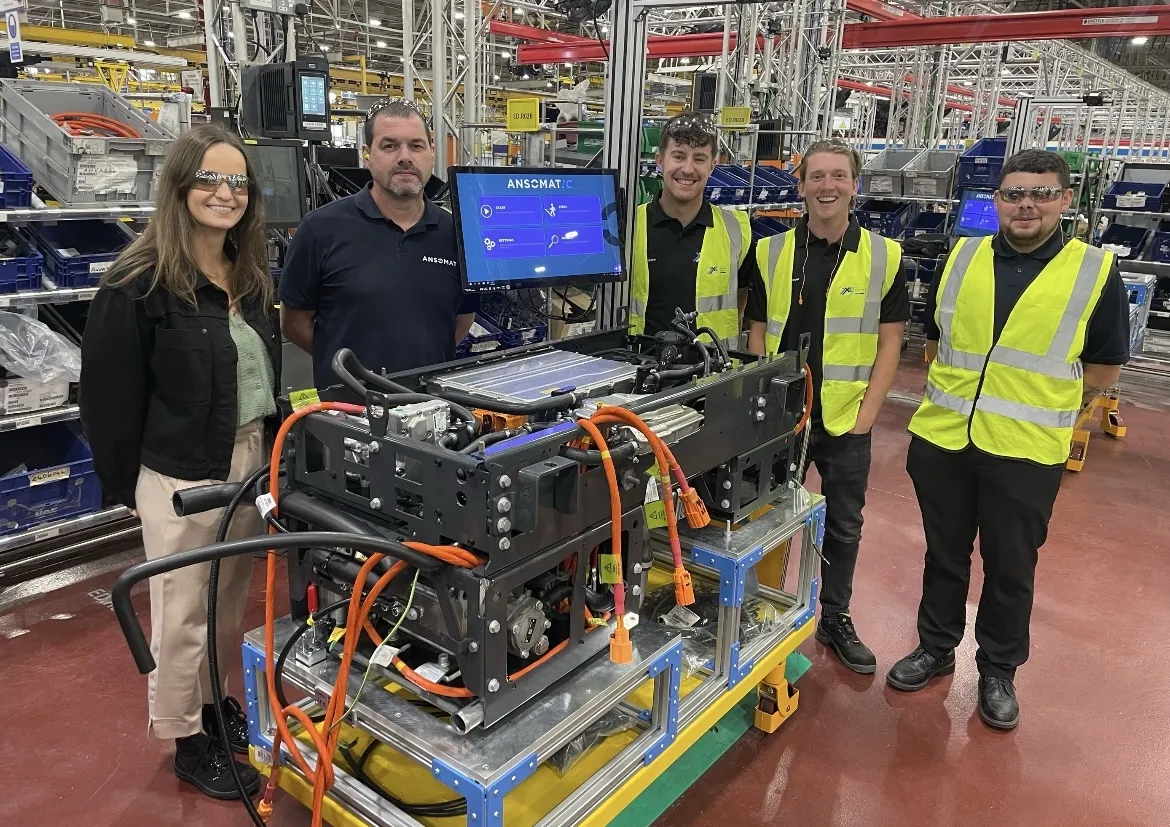
The next consideration is the level of quality control required in your process. If your production involves high-cost or high-risk components, you may want to explore options that offer integrated errorproofing mechanisms. This could include the use of smart fastening tools that verify torque and angle in real time, vision systems that validate correct execution of steps, or real-time location tracking that ensures tools and parts are used in the correct sequence and location.
Some manufacturers aim for what is referred to as a no fault forward environment. This concept refers to a production setup where mistakes are prevented by design, using intelligent systems that guide and verify each action performed by the operator. When combined with a well-structured digital instruction system, such an approach greatly reduces variability and ensures a high level of quality without compromising the role of the human operator.
System integration capabilities are also crucial. A modern work instruction platform should be able to connect with your existing manufacturing systems such as MES, ERP, or PLCs. Support for communication protocols like OPC UA, MQTT, or Siemens S7 allows for smooth data exchange and enables automated feedback loops between machines and instructions. The result is a more connected and responsive production environment.
Another powerful feature to consider is augmented reality support. AR technology can overlay digital guidance directly onto the physical workspace, providing real-time visual cues and helping operators follow complex steps without needing to shift focus.
This not only improves training and reduces onboarding time for new employees but also enhances performance in scenarios where precision is critical.
Investing in digital work instruction solutions is not just about replacing paper documents with electronic versions. It is about creating a smarter, safer, and more efficient workplace that empowers operators and supports continuous improvement. By choosing a solution that meets your technical requirements, integrates seamlessly into your ecosystem, and enhances the operator experience, you are preparing your organization for the demands of modern manufacturing and beyond.
Now is the time to rethink how knowledge is delivered on the factory floor. With the right tools in place, you can bridge the gap between human skill and digital innovation, driving both performance and satisfaction across your production teams.
An MES manages and monitors broader manufacturing operations, while work instructions software focuses on guiding operators through individual production tasks. The two systems can work together, with the MES providing production or order information and the work instruction system guiding and validating operator actions.
Work instructions software reduces the risk of human error by providing operators with the correct information at each production step. Connected tools, machine vision, sensors, and other devices can also verify critical actions before allowing the process to continue.
Work instructions software is a digital platform used to create, manage, and display step-by-step instructions for operators. Unlike static paper documents or PDFs, digital work instructions can adapt to product variants, include multimedia, capture production data, and connect with tools and manufacturing systems.
Basic digital work instructions can usually be operational within a few hours. More advanced workstations involving connected tools, sensors, machine vision, or augmented reality depend on the application but can often be implemented rapidly once the process has been defined.
Instructions can be centrally managed and updated using the Ansomat Management System. Approved changes can then be distributed to shop floor stations so operators always have access to the latest instructions.
Start with a production process where the benefit can be measured clearly. A good pilot often involves a process with product variation, training challenges, quality issues, or repetitive operator errors. Once the approach has been validated, it can be scaled to additional workstations and processes.