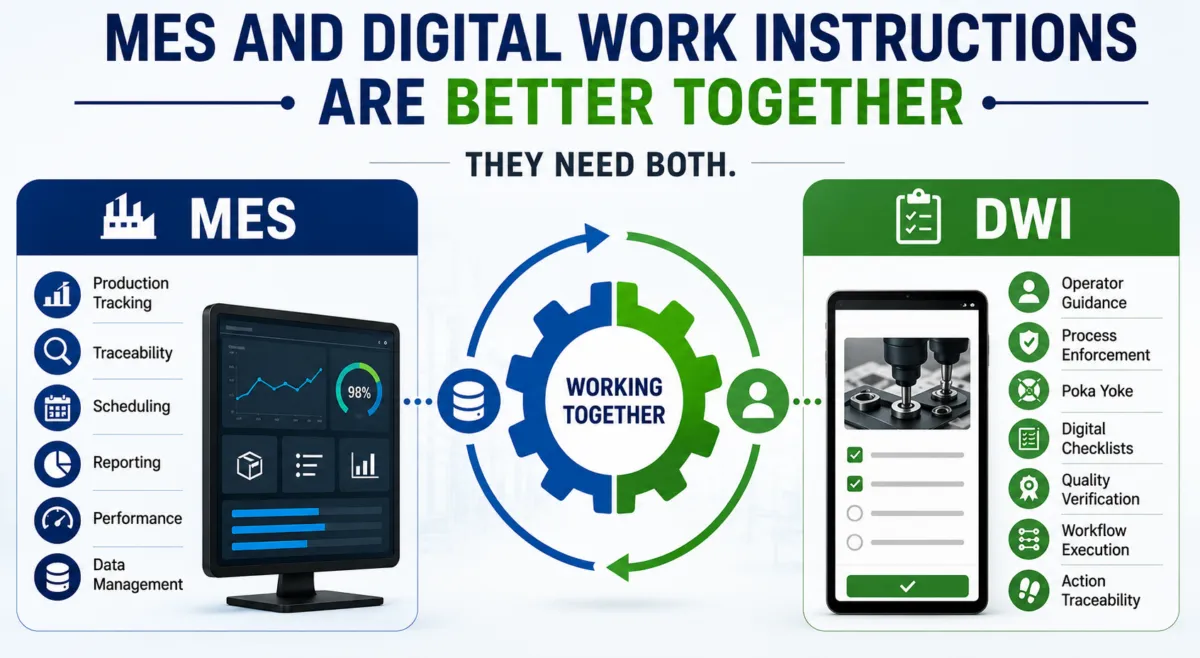
In manufacturing, AR work instructions are often introduced to guide operators, reduce errors, and accelerate onboarding. At first, they are clearly helpful: operators learn faster, mistakes decrease, and supervisors spend less time explaining processes.
But what happens after the learning curve?
In some factories, AR becomes a “reminder tool”, preventing operators from falling back into ingrained habits. In other cases, once teams are fully trained, companies scale back AR for future projects because it’s perceived as obstructive rather than supportive.
So when are projected work instructions truly the better choice compared to traditional on-screen work instructions?
Below are the situations where an AR projector and augmented reality work instructions clearly outperform screens.
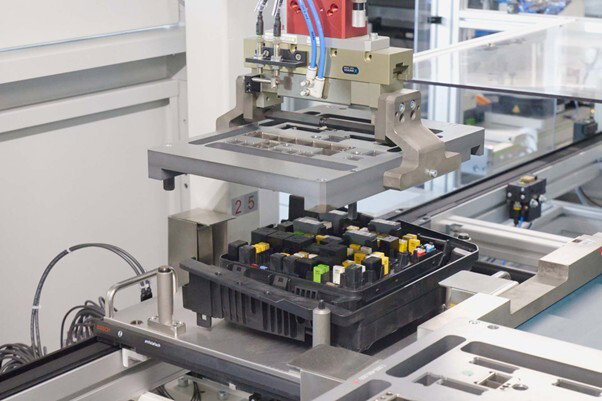
If you produce a fuse board with 100+ possible configurations, memorization becomes unrealistic.
Especially when:
In these environments, on-screen instructions require operators to constantly look back and forth between screen and product. That creates cognitive load and increases error risk.
With projected work instructions, the guidance is displayed directly onto the physical product:
When variants are too many to internalize, AR work instructions eliminate guesswork.
Best fit: High-mix / low-volume production with frequent engineering changes.
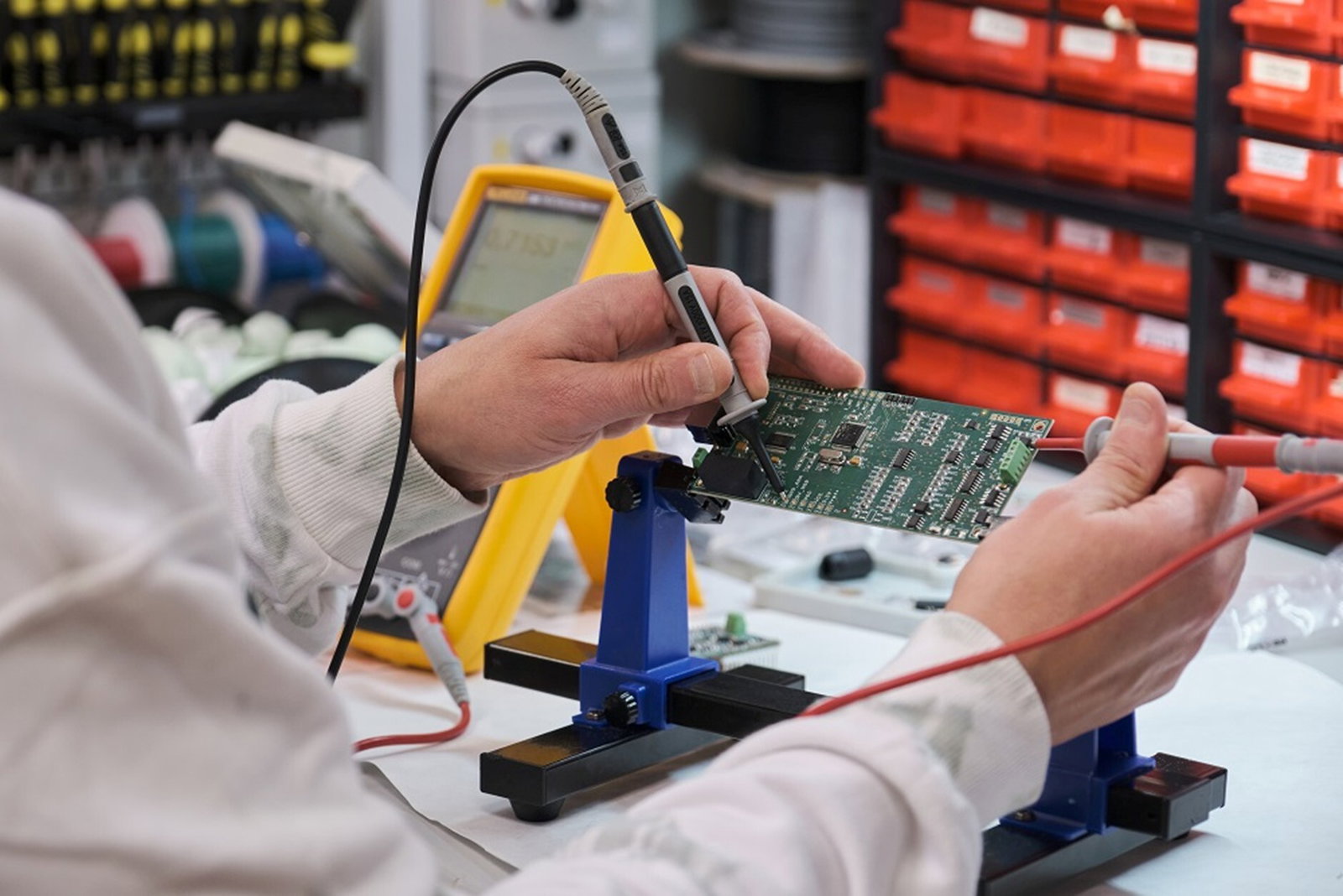
One of the most common error sources in assembly lines? Parts that look almost identical.
Think about:
On-screen work instructions may show part numbers or images, but operators still need to verify manually.
With an AR projector, the correct bin lights up. The correct placement area is highlighted. The system can even block progression if the wrong component is selected (when integrated with pick-to-light or vision systems).
This dramatically reduces:
When visual similarity causes confusion, augmented reality work instructions provide contextual clarity that screens simply can’t.
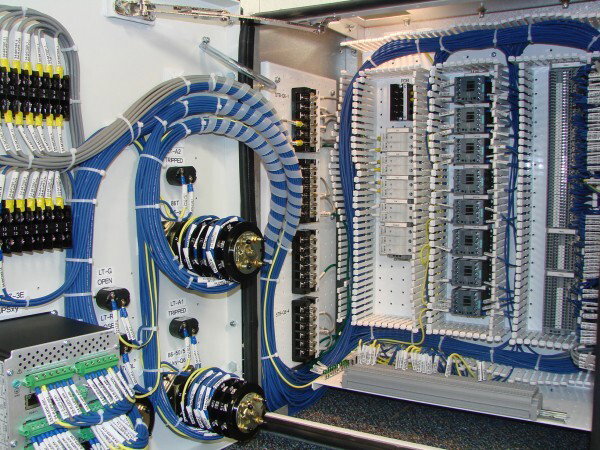
Cable boom and wiring processes are a perfect example of where AR shines.
Challenges in wiring assembly:
With traditional instructions, operators must mentally translate 2D diagrams into 3D routing actions.
With AR work instructions, the exact cable path is projected directly onto the board:
This significantly reduces training time and error rates, particularly in high-variability harness production.
If spatial orientation is critical, projected work instructions win over screens.

Manufacturers increasingly deal with:
In such environments, knowledge retention is inconsistent.
AR work instructions allow “training on the job.”
Instead of:
Operators can immediately start production while being guided step-by-step.
Benefits:
For companies struggling with workforce instability, an AR projector system becomes a digital trainer at every workstation.
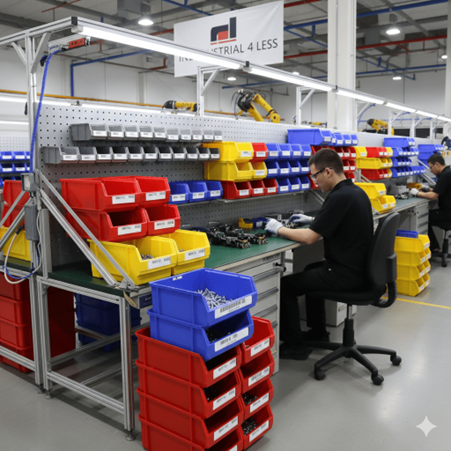
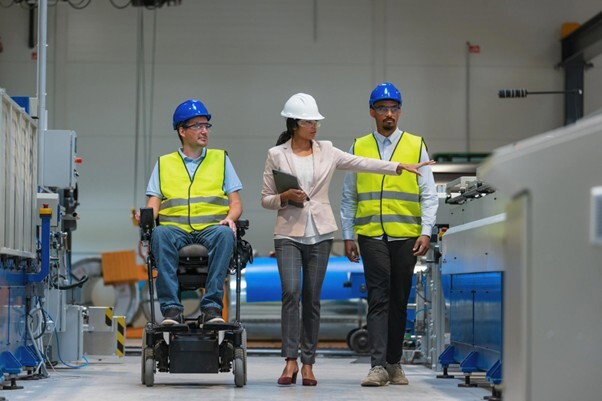
In sheltered workshops (beschutte werkplaatsen), guidance is primordial.
Operators may benefit from:
Projected AR instructions reduce abstraction. They remove the need to interpret complex manuals or screens.
Instead of reading instructions, operators follow illuminated guidance directly on the work surface.
In these environments, augmented reality work instructions increase autonomy, confidence, and consistency.
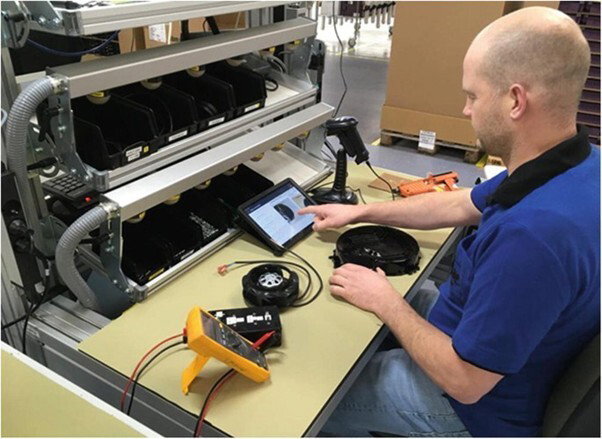
AR is powerful, but not always necessary.
On-screen work instructions are often sufficient when:
In some cases, once teams are fully trained, AR may feel like an extra layer rather than added value. That’s why some customers adopt AR at project launch and phase it out later for new projects.
The key question is not “Is AR innovative?”
The real question is:
Does the process complexity exceed human memory and visual discrimination capacity?
If yes, AR likely adds measurable value.
| On-Screen Work Instructions | Projected AR Work Instructions |
|---|---|
| Requires look-away behavior | No head movement required |
| Relies on interpretation | Direct physical guidance |
| Higher cognitive load | Reduced mental translation |
| Good for stable processes | Ideal for high variability |
| Documentation-focused | Execution-focused |
An AR projector does not replace lean thinking, it amplifies it when complexity demands it.
The best use case for AR work instructions is not about trend or technology hype.
It’s about solving real operational challenges:
When manufacturing complexity increases beyond what operators can reliably memorize or visually distinguish, augmented reality work instructions become a competitive advantage rather than a gadget.
AR acts as a complexity filter. It absorbs variability and translates it into clear, contextual, spatial guidance directly at the workstation.
If you want a deeper understanding of how AR is transforming production environments, explore our detailed guide on AR in manufacturing:
👉 https://ansomat.co/blog/ar-in-manufacturing
In simple processes, screens are enough.
In complex, high-mix, high-variability environments, projected work instructions win.
The difference is not digital vs. paper.
The difference is passive instruction vs. immersive operator enablement.