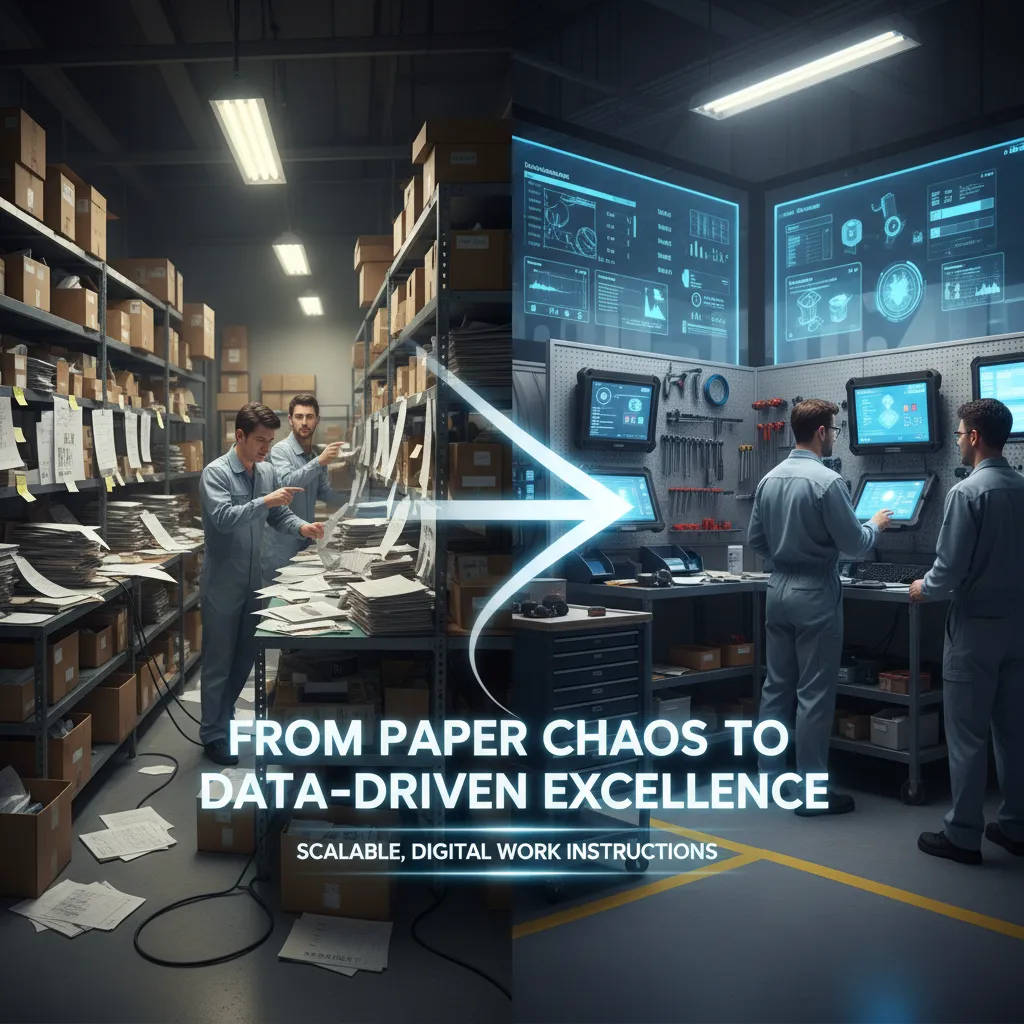
In a world where manufacturing processes are becoming increasingly complex, the need for accurate, efficient, and up-to-date instructions has never been greater. Digital work instructions are rapidly replacing outdated paper manuals, static PDFs, Word documents and PowerPoint slides across shop floors. These modern, interactive instructions shown on pc-screen transform the way operators perform their tasks, reduce errors, and bring consistency to manual operations.
Whether you’re managing high-mix low-volume production, onboarding new staff, or trying to eliminate costly mistakes, digital work instructions offer a scalable solution that aligns with your digital transformation goals.


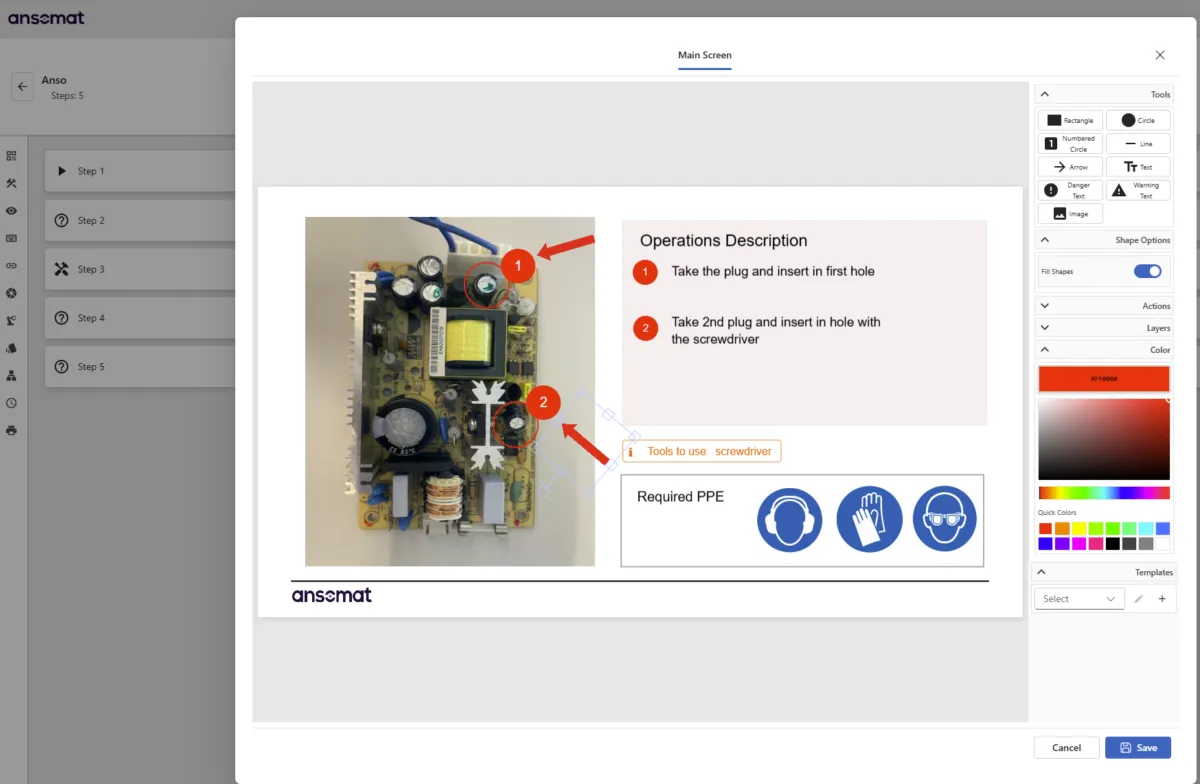
Digital work instructions are interactive, often visual, step-by-step instructions delivered through pc screen. They break down complex tasks into manageable steps, providing visual cues, guidance, and checks that make it easier for operators to complete their work correctly and efficiently.
By moving away from printed manuals and outdated files, manufacturers ensure that operators always follow the latest version of the process, increasing standardization and reducing human error.
Transform your factory into a fully paperless environment where workers are guided through every manual process using digital, step-by-step work instructions.
Enhance high-mix, low-volume production by delivering the right information at the right moment and providing workers with real-time feedback throughout process execution.
Display tailored instructions based on each worker’s skill level, experience, and language preference. Automatically track and update skill proficiency over time, accounting for both improvement and degradation based on actual performance.
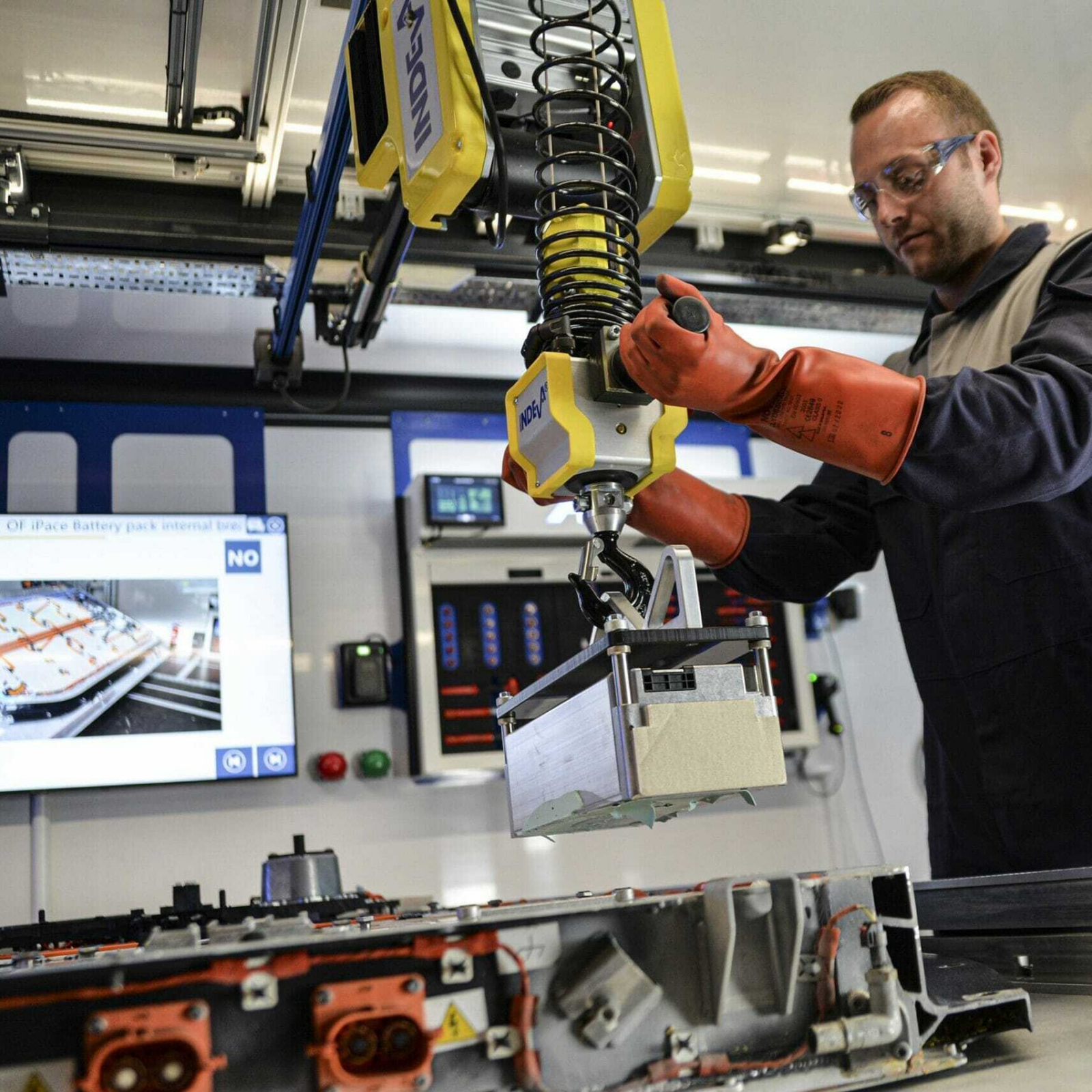
A typical workflow with PC-based digital work instructions follows a structured sequence that ensures accuracy, traceability, and efficiency. Each step supports the operator and captures key production data for full process transparency.
NEW
Remotely, efficiently and at scale


Enable dynamic recipe creation based on user skills.

Manage thousands of product variants efficiently through intelligent algorithms.

Maintain full version history with approval processes and rollback options.

Define user roles and permissions to control access.

Centralized storage for all images and visuals, with annotation tools.

Diverse instruction formats: images, videos, checklists, data input fields,..

Support for multiple operators working simultaneously.

Instantly notify users of important events or when worker acquires assistance.

Automatically trigger corrective workflows to guide operators in fixing errors.

Auto-translation in preferred language

Assist workers through voice-guided instructions

Start with a use case where the benefits become visible quickly. The ideal first pilot isn’t your most advanced process, but also not the simplest one, where the impact might be too limited to notice.
At Ansomat you can ask a free trial to explore the full potential of digital work instructions with minimal risk. Alternatively, hosting a demo day through us or one of our partners is another great way to kick things off: invite stakeholders from process engineering, SOP teams, shop floor team leaders, production, and quality. Letting them experience the solution firsthand helps build alignment, buy-in, and momentum early on.
Start small and controlled. Test your instructions with a “guinea pig” user in a safe environment before rolling them out broadly. The key is to observe whether the instructions make sense without additional explanation, any mistakes or questions will quickly highlight gaps or unclear steps.
Test with operators of different skill levels, both experienced and inexperienced, to understand varying needs. Some of our customers with +50 stations even use a dedicated “test station” where new technology integrations and capabilities are tested.
Getting started is fast and depends on the complexity of your setup and the devices involved.
For larger deployments, timelines depend mainly on:
Once the foundation is in place, scaling across the factory becomes significantly quicker.
When managing multiple product variants, work instructions don’t need to be rebuilt from scratch. Common steps can be reused across variants, similar to using the same “cut tomatoes” step in multiple recipes. Only the steps that differ are created once, and the system automatically assembles the correct instruction flow for each variant.
Digital work instruction platforms allow instructions to be created, distributed, and maintained centrally from a single hub. This makes it easy to scale, duplicate, and adapt instruction sets across stations with similar operations, without starting over.
With the Ansomat Management System, instructions can be accessed and updated centrally, changes can be monitored in real time, and both instruction authors and shop-floor operators always work from the latest version.
Shop floor operators can provide direct feedback on every individual instruction step. They can rate steps and submit comments such as “wrong order,” “not clear,” or “visual needs improvement.”
All feedback is automatically captured and stored in a central database. Continuous improvement teams can review this input directly from their desk using the Ansomat Management System, evaluate the requests, update the work instructions, and instantly push the approved changes back to the shop floor stations. This creates a fast, closed-loop improvement process between operators and engineering teams.
Digital work instructions must be confirmed to move to the next step. This can be done manually or fully automated, depending on your setup.
Manual confirmation options include:
To further automate the process, smart devices can be connected so steps are validated automatically:

As manufacturers adopt smart factory initiatives aligned with Industry 5.0, digital work instructions play a key role. They connect people, machines, and systems, ensuring that human operators remain integrated into digital workflows. Whether you’re collecting data for analytics, driving process improvement, or enabling machine-to-human feedback loops, digital work instructions support your path toward full digital transformation.
Digital work instructions are more than just an upgrade to how tasks are documented, they are a powerful enabler of quality, efficiency, and agility on the shop floor. By adopting this technology, manufacturers can reduce human error, speed up training, support sustainability goals, and ensure consistency across every product built.
For organizations committed to lean principles, operational excellence, and future-ready production, digital work instructions are an essential tool in the toolbox.