Our Solutions

Training & Onboarding

Training and onboarding on the shop floor refer to the structured processes of preparing new or existing employees to perform production tasks safely, efficiently, and accurately

  • Onboarding focuses on introducing new hires to the company’s processes, culture, safety standards, and specific job responsibilities.
  • Training involves teaching the technical skills, procedures, and quality standards required to perform their work correctly, from operating machinery to following standardized assembly steps. 

Both processes often combine theoretical instruction (e.g., safety or quality principles) with hands-on practice at the workstation to ensure workers can apply what they learn directly in their daily tasks. 
Book a demo

Challenges to train and onboard shopfloor people

Manufacturers face several challenges when it comes to effectively training, onboarding, and upskilling shop floor workers, many of which directly impact productivity, quality, and employee retention: 

  • High turnover during or right after onboarding: Many new hires leave before fully starting production work due to unrealistic job expectations or demanding shift systems.
  • Inefficient training methods: Traditional classroom-based training is theoretical and disconnected from real shop floor tasks, making it harder for workers to retain and apply what they learn.
  • Slow ramp-up time: It takes significant time for new operators to reach full productivity, especially in high-mix, complex production environments.
  • Knowledge transfer gap: Experienced workers, especially those nearing retirement, hold critical know-how that is often undocumented or difficult to capture.
  • Skill diversity: Workers have varying skill levels, learning speeds, and technological familiarity, making standardized training difficult.
  • Limited training resources: Supervisors often need to balance production targets with training duties, reducing available time for proper coaching.
  • Limited digital support: Lack of visual, step-by-step guidance systems makes onboarding dependent on supervisors and experienced workers. 

Digital work instructions

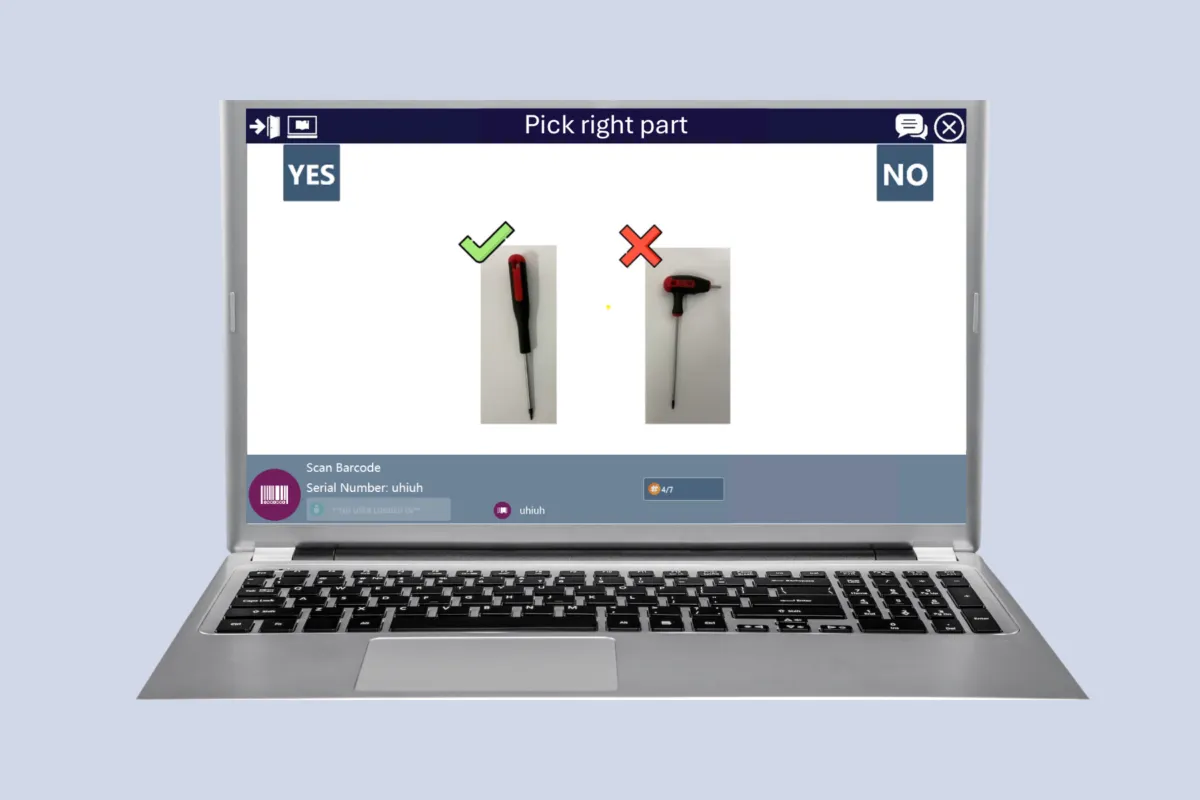
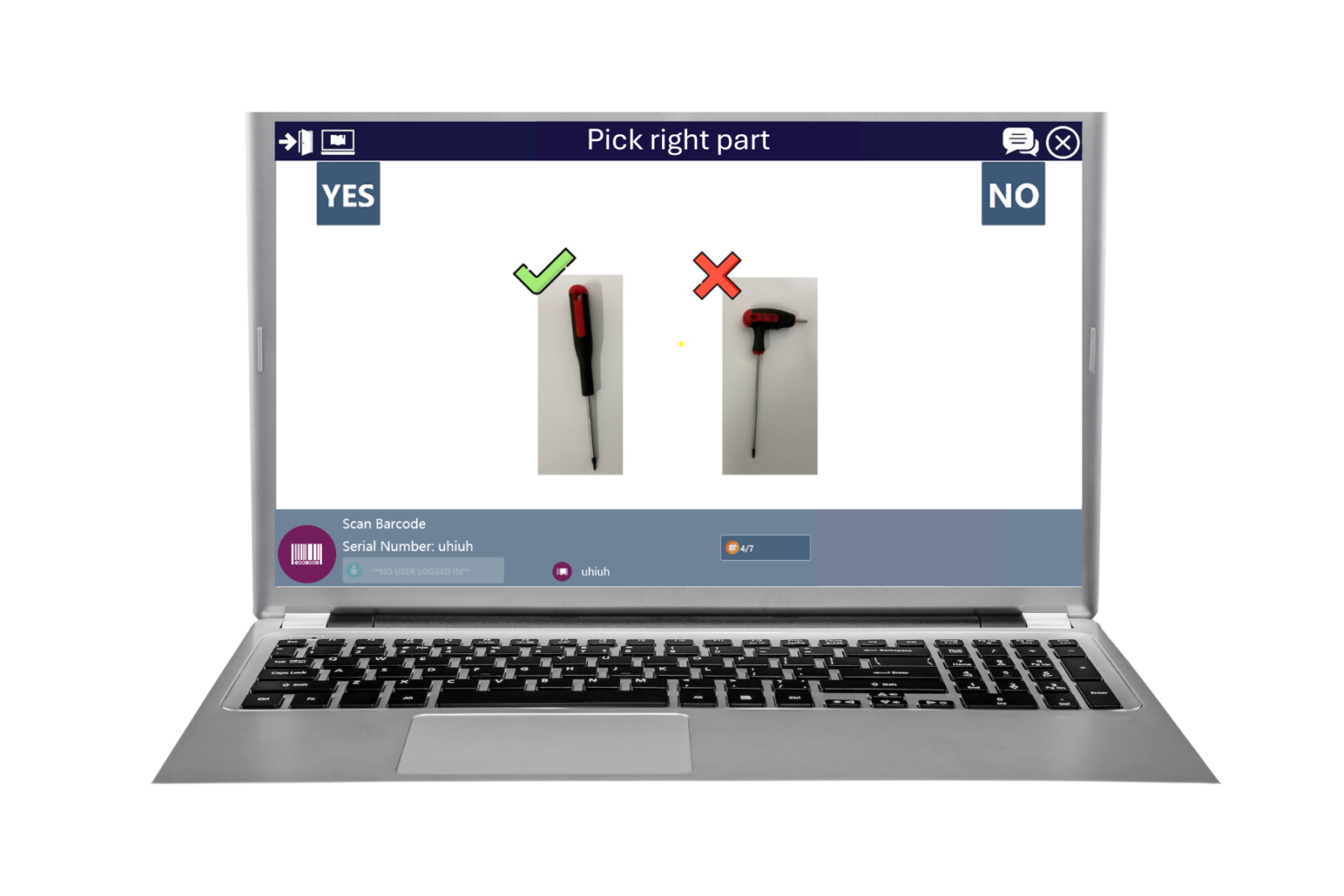
Digital work instructions (DWIs) are electronic versions of traditional paper-based manuals that guide operators step-by-step through assembly or operational tasks using digital devices such as PCs, tablets, or smartphones. 

Advantages

  • Provide clear, visual, and interactive guidance, reducing ambiguity and misinterpretation.
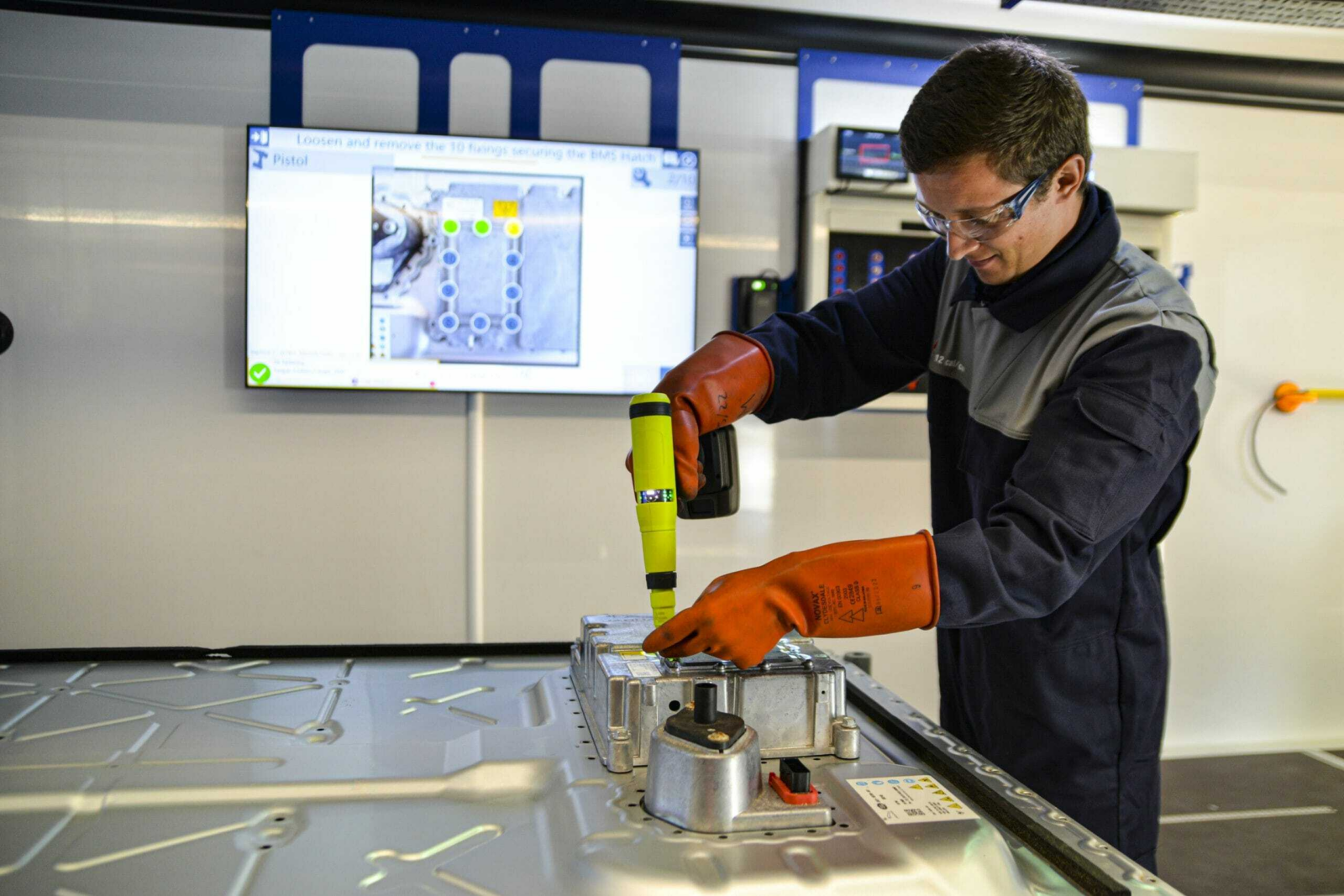
  • Ensure workers follow the correct sequences and parameters (e.g., torque, part ID, digital calliper readings).
  • Guarantee that everyone works with the latest approved version of instructions.
  • Increase productivity by minimizing the time spent searching for information.
  • Support standardization and continuous improvement through shop floor feedback loops and consistent task execution. 

Considerations

  • User adoption and training: workers must become familiar and confident with digital tools and interfaces.
  • Device requirements: implementation may require additional hardware such as PCs, barcode scanners, printers, or card readers, depending on the process. 
AR 1 D

Augmented Reality

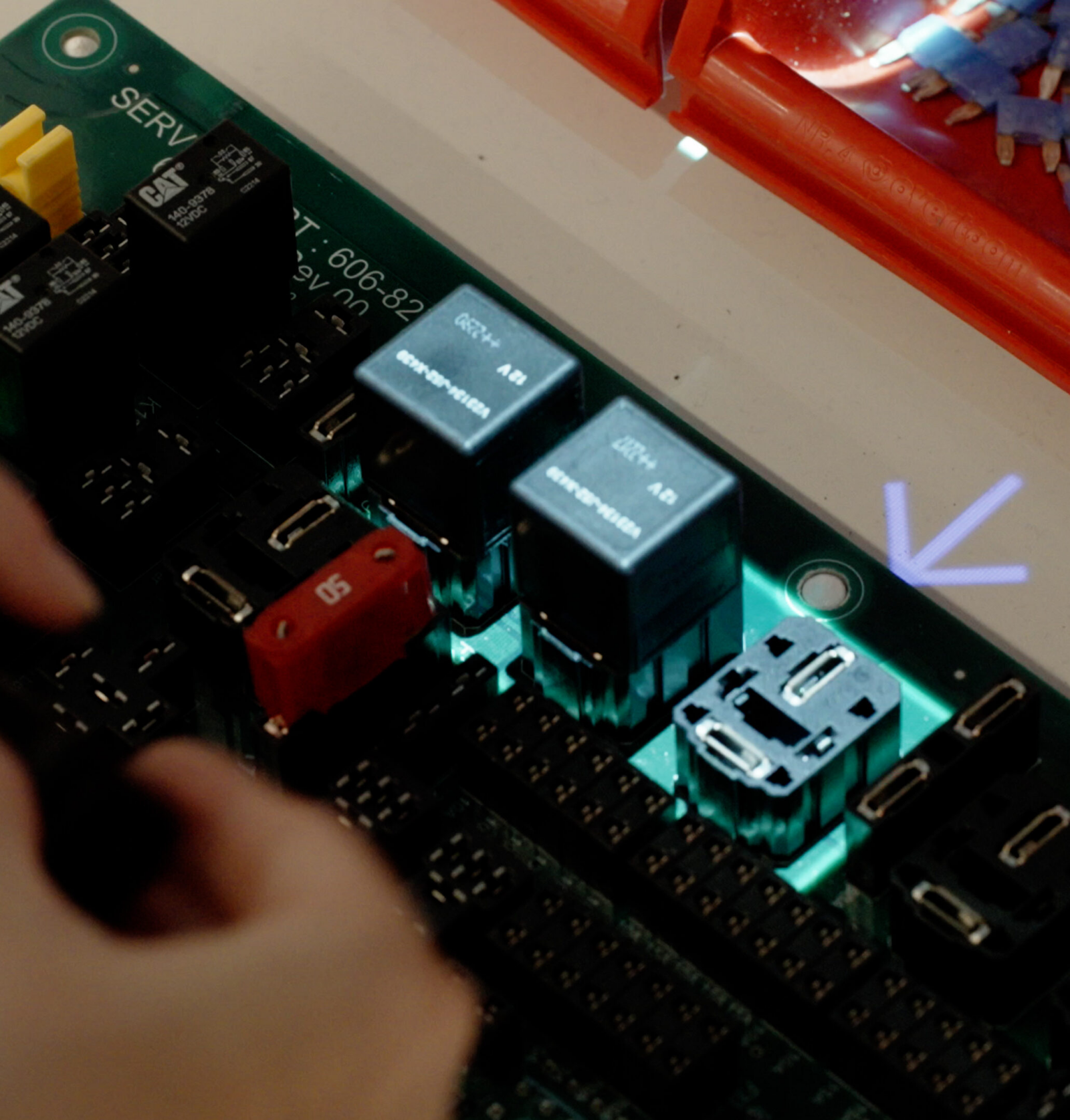
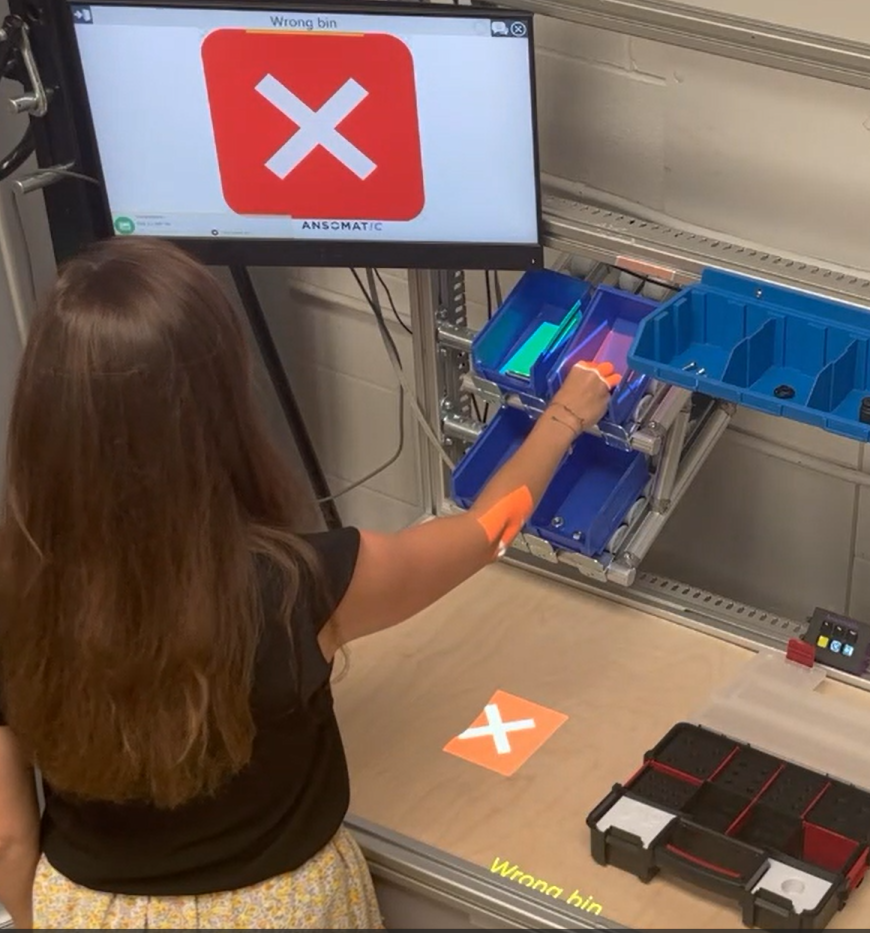
Projection-based augmented reality (AR) is a technology that uses a standard projector to display digital information, such as text, images, or visual cues, directly onto a physical surface or workspace, rather than showing it on a separate screen. 

Advantages

  • Reduced interpretation errors: workers can simply “follow the lights,” ensuring precise guidance and consistent assembly quality.
  • Faster training through visual learning: intuitive visual instructions help operators quickly grasp complex tasks.
  • Enhanced responsiveness: visual feedback enables operators to identify and correct issues immediately as corrective actions are projected in real time.
  • Hands-free operation: eliminates the need to look at separate screens, allowing operators to stay fully focused on their tasks.
  • Reduce supervisor workload: less need for constant oversight, as operators receive intuitive digital guidance. 

Considerations

  • User adoption and training: as with any new technology, workers need time and support to become confident using digital tools and interfaces.
  • Perceived obstruction: for experienced operators, highly repetitive step-by-step guidance can feel restrictive or slow once tasks are fully mastered.
  • Environmental sensitivity: factors like bright lighting or reflective surfaces can affect projection clarity.

3D Sensor Confirmation

Sensors are a powerful way to automate process confirmation on the shop floor. Instead of requiring operators to manually click a button after each step, sensors can automatically detect when an action has been completed. This enables hands-free operation and smoother training, allowing operators to progress through tasks seamlessly and efficiently. 

Advantages 

  • Hands-free operation: operators can move through process steps without touching buttons, ideal for tasks where both hands need to remain free.
  • Time savings: eliminates the extra time spent manually confirming each step, especially when confirmation points are hard to reach. 

Considerations

  • Basic confirmation only: sensors validate that an action occurred but do not verify whether it was performed correctly.
  • Setup effort: each action must be configured and taught individually in the system.
  • Limited accuracy: provides step confirmation rather than detailed inspection or analysis.
  • No self-learning capability: sensor systems don’t automatically adapt or improve based on performance or results. 

Competence-based work instructions

Competence-based work instructions take into account the competence and experience level of each operator. 
Our operator guidance solution enables the display of fully customized instructions based on a worker’s skill level, experience, and language preference. 

Advantages

  • Personalized operator experience: instructions adapt to the user’s competence. New operators receive detailed, step-by-step explanations, while experienced operators see simplified or summarized versions to work faster without unnecessary interruptions.
  • Language flexibility: instructions can be shown in the operator’s preferred language, a crucial feature for global plants where more than ten languages may be spoken. Understanding instructions in one’s native language greatly improves clarity and reduces errors.
  • Faster training and onboarding: new workers receive additional context, visuals, and guidance to build confidence, shortening ramp-up time and reducing the need for constant supervision.
  • Voice guidance: supports operators who better understand instructions through spoken prompts rather than visual text. 

Considerations

  • Defining competence levels: establishing a clear competence matrix requires transparency around existing skills and roles within the organization. If this is too complex initially, companies can start with a simplified structure—for example, dividing operators into just “Basic” and “Expert” categories instead of fully tailored instruction sets. 

Triggered by our expertise?

Step into the future of smart guided manufacturing!

Contact us! Arrow right
1 / 1