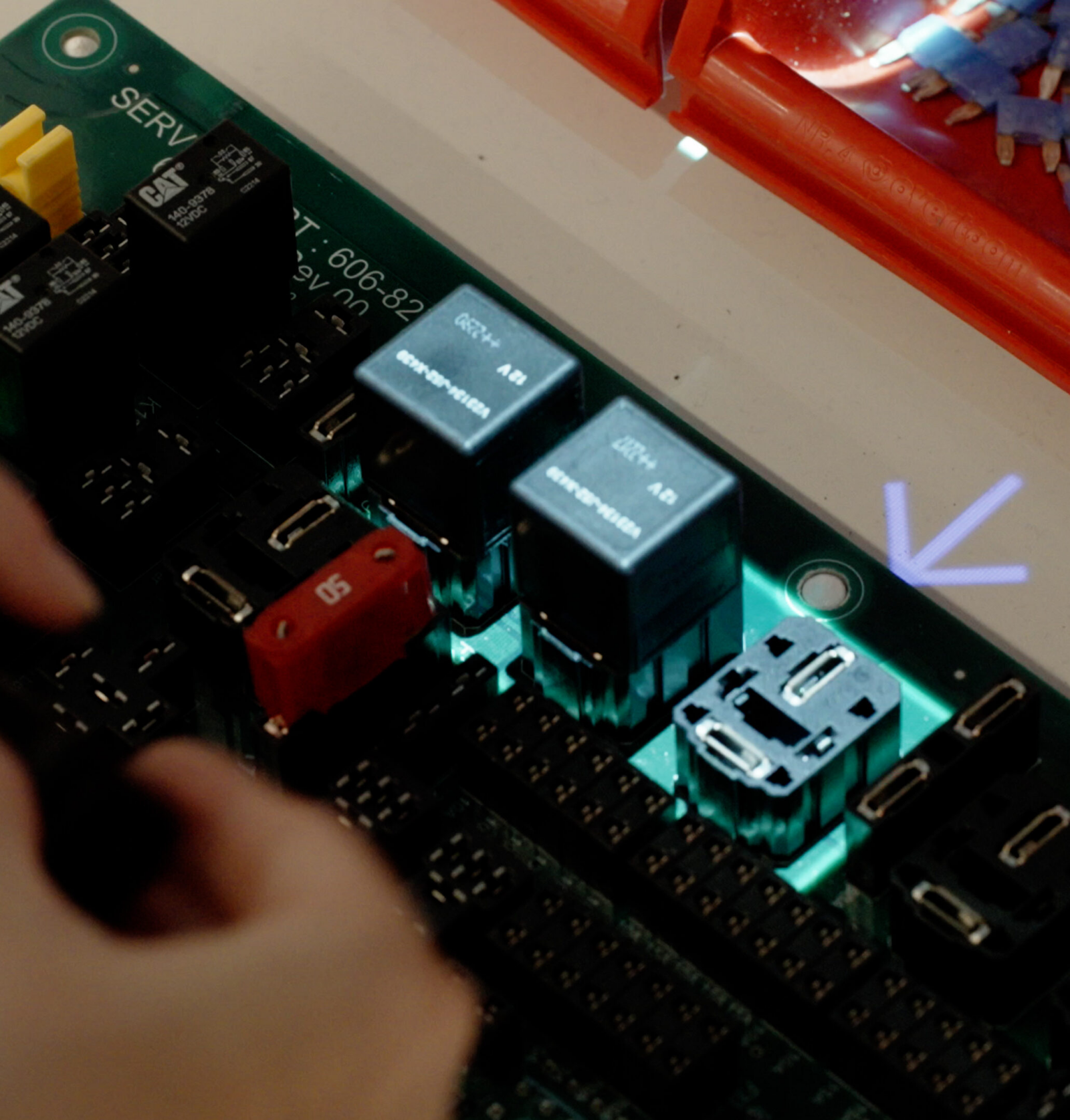
Augmented reality work instructions bring digital guidance into the physical workspace by projecting step-by-step instructions directly onto parts, tools, or workstations. Instead of switching between screens or paper manuals, operators receive clear, real-time instructions exactly where the work happens.
This form of AR guidance improves efficiency, reduces errors, and ensures consistent execution across production processes.


Augmented reality work instructions are visual, step-by-step guides that are overlaid onto real-world environments. These augmented reality instructions provide operators with precise, contextual information exactly where it is needed.
Unlike traditional documentation, they enable:
This makes them a key component of modern augmented reality industrial applications.

100% training on-the-job
Traditional classroom training separates learning from real work, slowing adaptation and lowering confidence. Augmented enables on-the-job training with real tasks and tools, speeding up learning through hands-on experience.
Fresh hires match the performance of experienced members
New hires can become productive more quickly, and seasoned workers can learn new processes without stepping away from their stations. Digital work instructions are customizable based on skill level, ensuring that each operator receives the right amount of support, exactly when it’s needed.
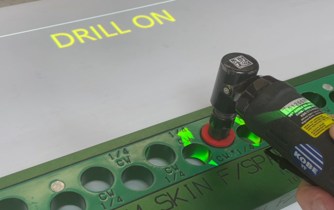
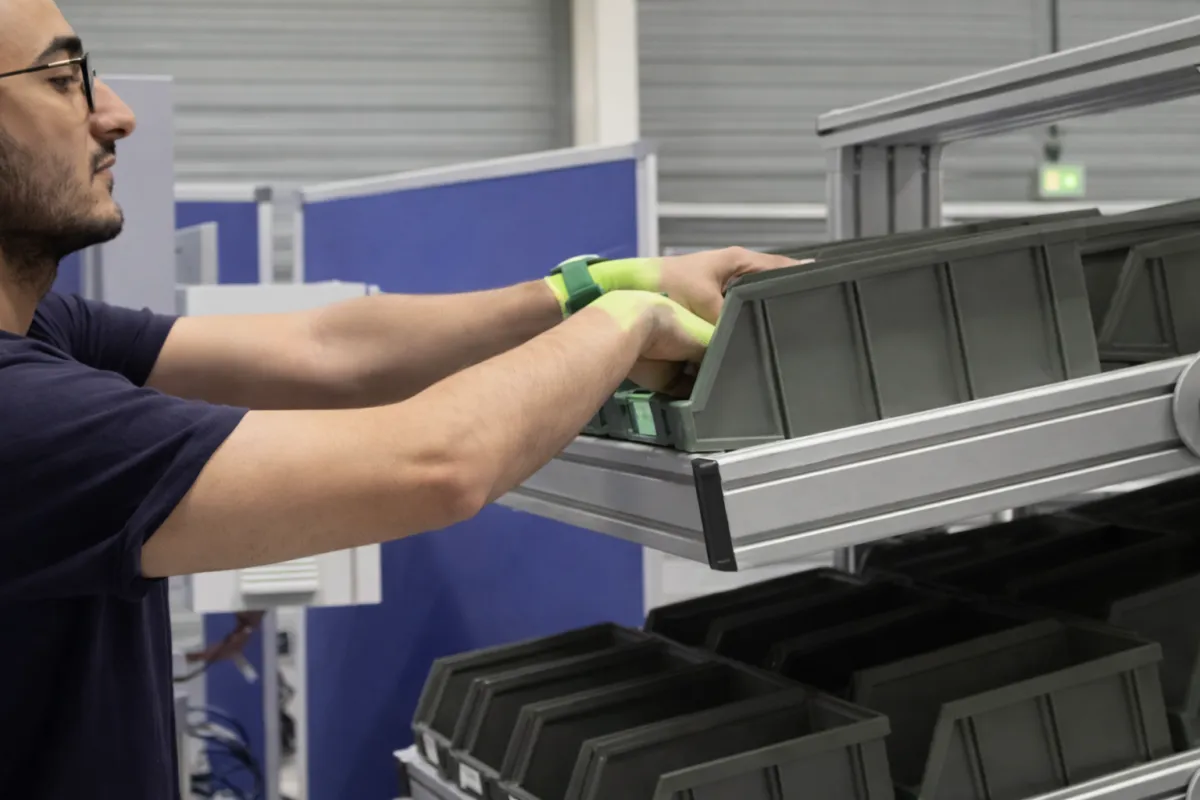
Just “follow the lights”
AR offers the ultimate in process guidance. By blending visuals, instructions, and the operator’s physical environment, it creates a seamless workflow where users can simply “follow the lights.”
Eliminate guesswork
The intuitive guidance eliminates guesswork, reduces hesitation, and increases focus. The immersive nature of AR enhances confidence and accuracy, leading to faster task completion and fewer worker errors.
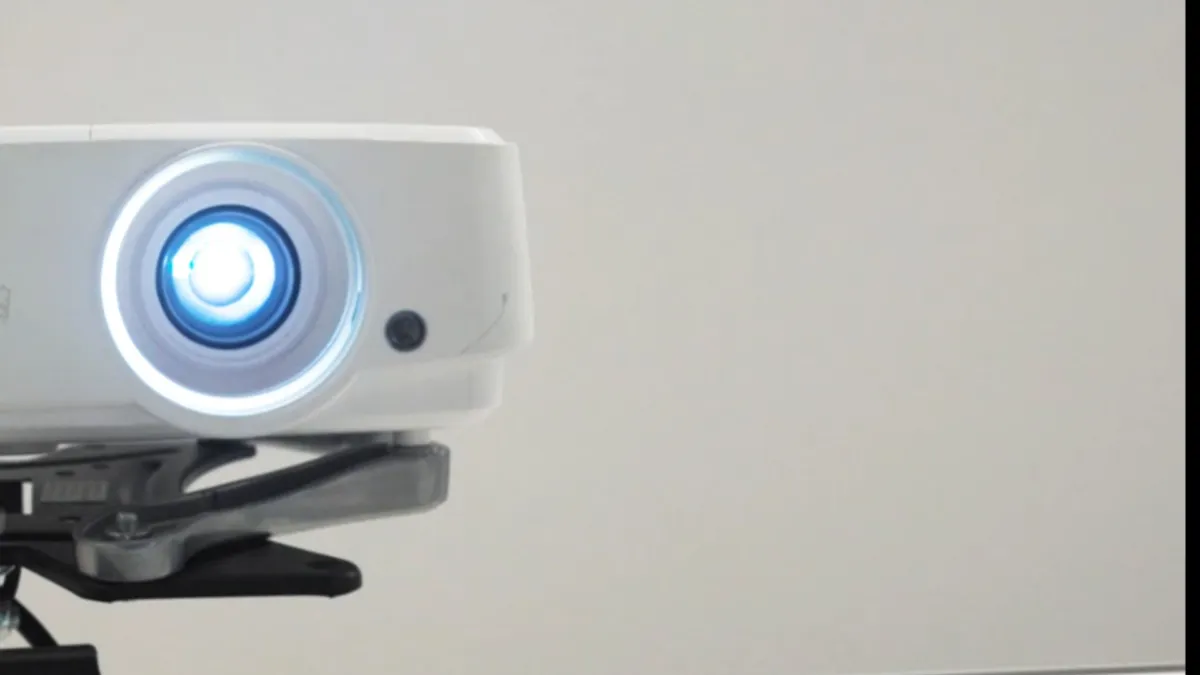
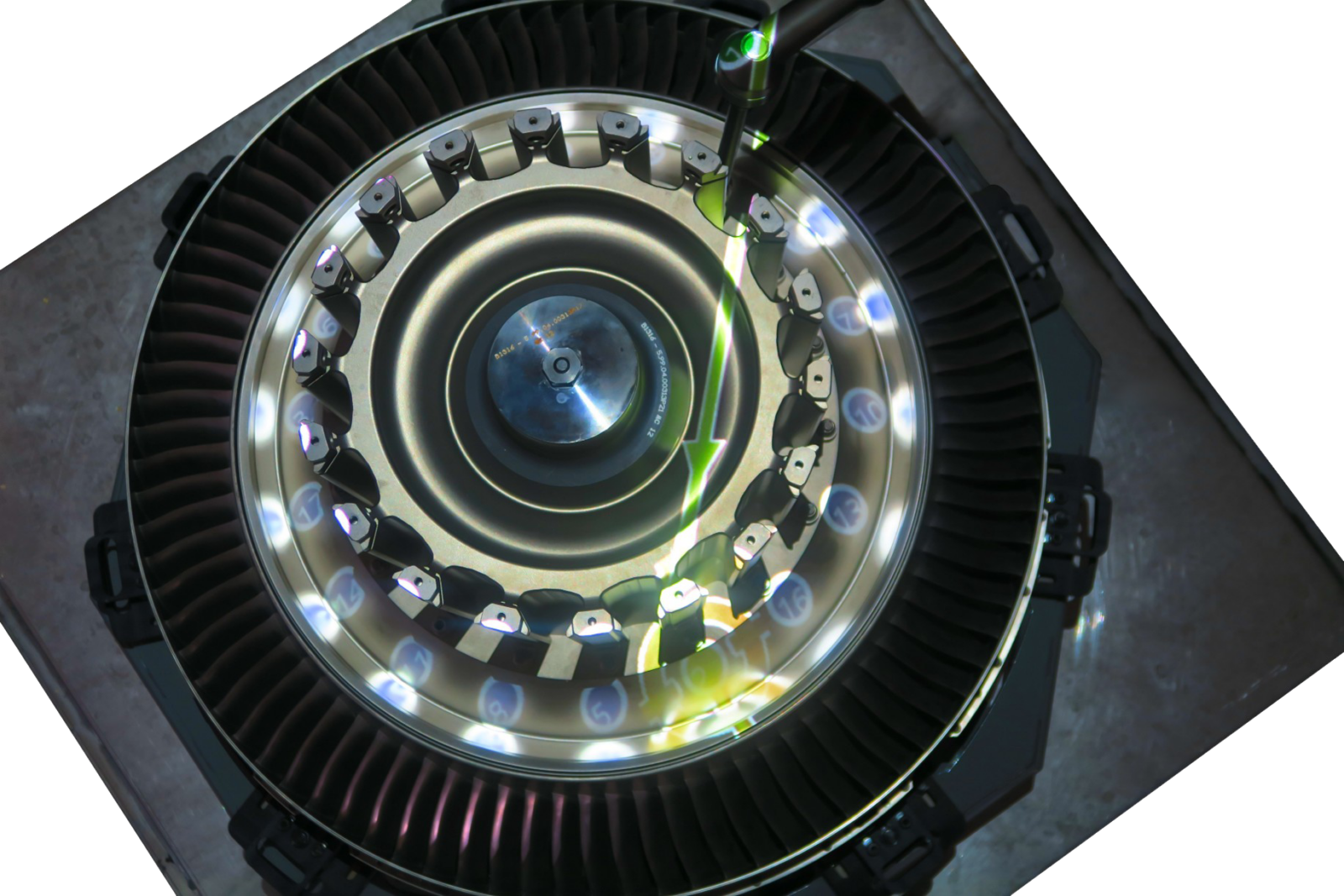
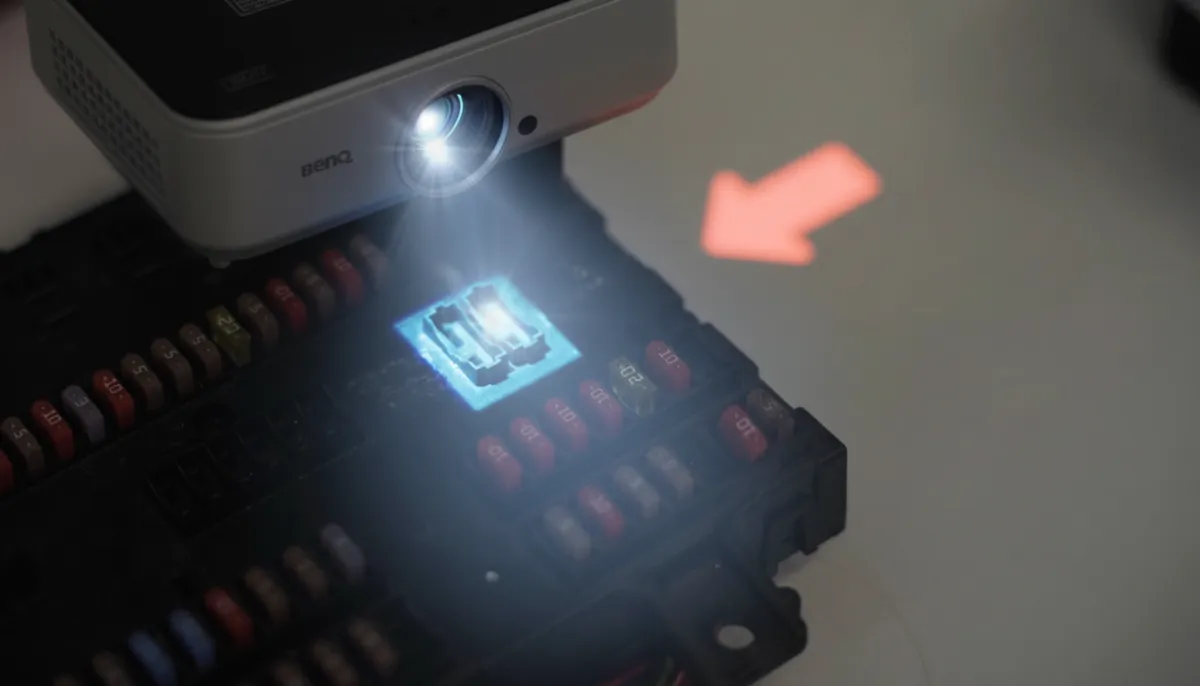
An augmented reality projector enables AR guidance without the need for wearable devices. Using an AR projector, augmented reality work instructions are displayed directly onto work surfaces, tools, or component, turning any workstation into an interactive environment.
A typical augmented reality projector setup is simple and accessible. It often uses a standard, off-the-shelf projector connected to a computer. With the right software, augmented reality instructions can be aligned with physical objects in real time, allowing elements to be easily created and positioned by simply dragging and dropping them onto the work area.

Pictures, videos, 3D model, shapes, colors, text, ..

Speed up AR-instruction creation through drag&drop onto the work area

Picture taking from phone directly projected

Project more or less visual cues depending on operator skills

Add multiple projectors to create even a larger work area
Spotlight
Our Companion App automatically captures process images and uploads them to your media library, where they can be instantly projected onto the work area.
As a result, your team can create ready-to-use visual work instructions in minutes. This automation also reduces manual documentation and accelerates setup, helping you maintain efficiency and consistency across all operations.

Spotlight
Create AR work instructions from behind your desk
Simply upload an image of the work area and use it as your starting point. This allows you to create and upload AR designs remotely, then deploy them across the shop floor instantly, eliminating the need to go station by station and saving valuable time for process engineers.
Drag & drop simplicity
Easily drag and drop the necessary tools into your design,each one will automatically appear in the correct position within the virtual work area.

An AR projector is a device that displays instructions or visual cues directly onto physical surfaces in a production environment. In practice, this can be any standard projector, as long as it can connect to a computer, typically via an HDMI cable.
No, augmented reality is not always the best solution for operator guidance, it depends on the application.
Augmented reality work instructions are especially valuable in environments with high staff turnover, complex processes, or many product variants. When training time is limited and upskilling operators quickly is critical, AR can significantly improve efficiency and reduce errors.
However, in some cases, simpler solutions may be sufficient. Basic digital work instructions can work well for stable, repetitive processes. Similarly, projection augmented reality using an AR projector may not be ideal in environments where the workspace is too large, constantly changing, or not standardized.
In situations where hands-free guidance and shared visibility are important, projection-based AR can be a strong alternative. More info to be found in this article:
AR Work Instructions in Manufacturing: When Projectors Win
Ultimately, the right choice depends on balancing complexity, scalability, and the practical realities of the production environment.
The size of the work area that an AR projector can cover depends on the type of projector used, but typically a single system can project onto an area of around 4 meters. For larger or more complex workspaces, multiple projectors can be combined into one system to expand the coverage and support bigger work areas.
The right AR projector depends on factors like mounting height, work area size (field of view and throw distance), and whether a short-throw model is needed. You should also consider brightness, light source (laser vs. lamp), and resolution for clear visual work instructions.