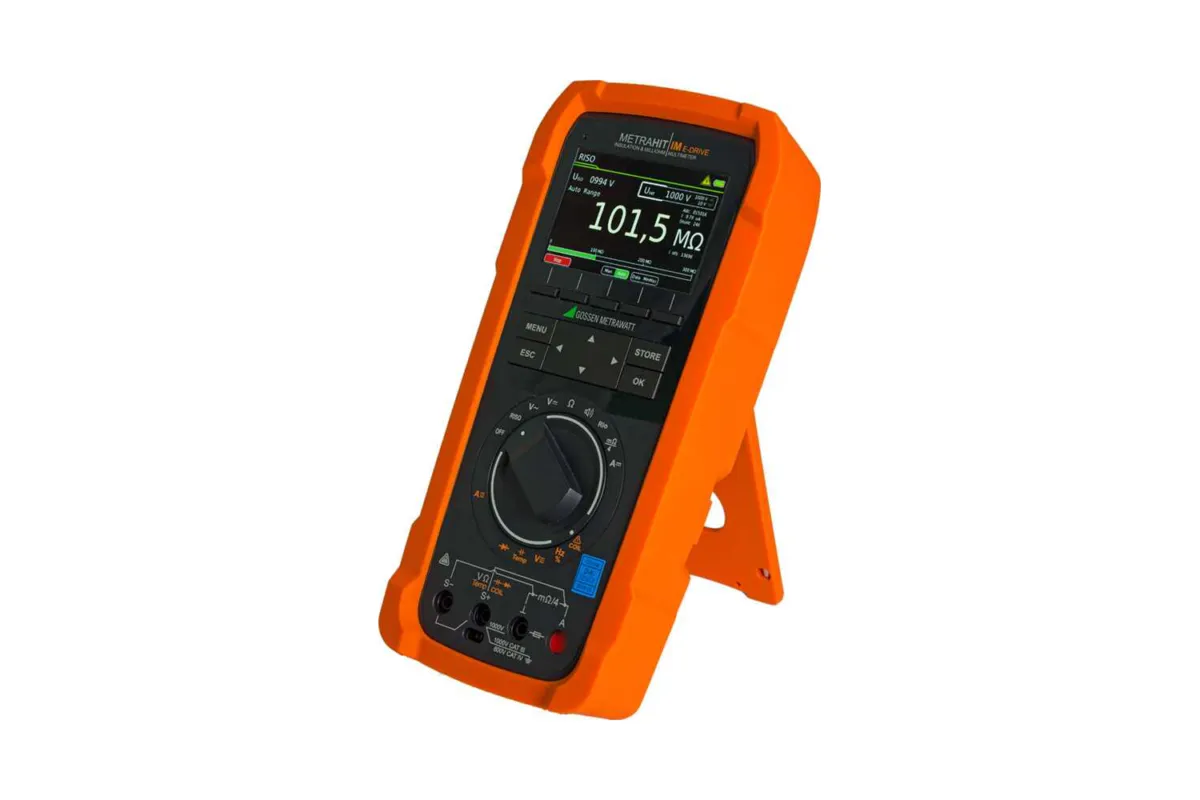
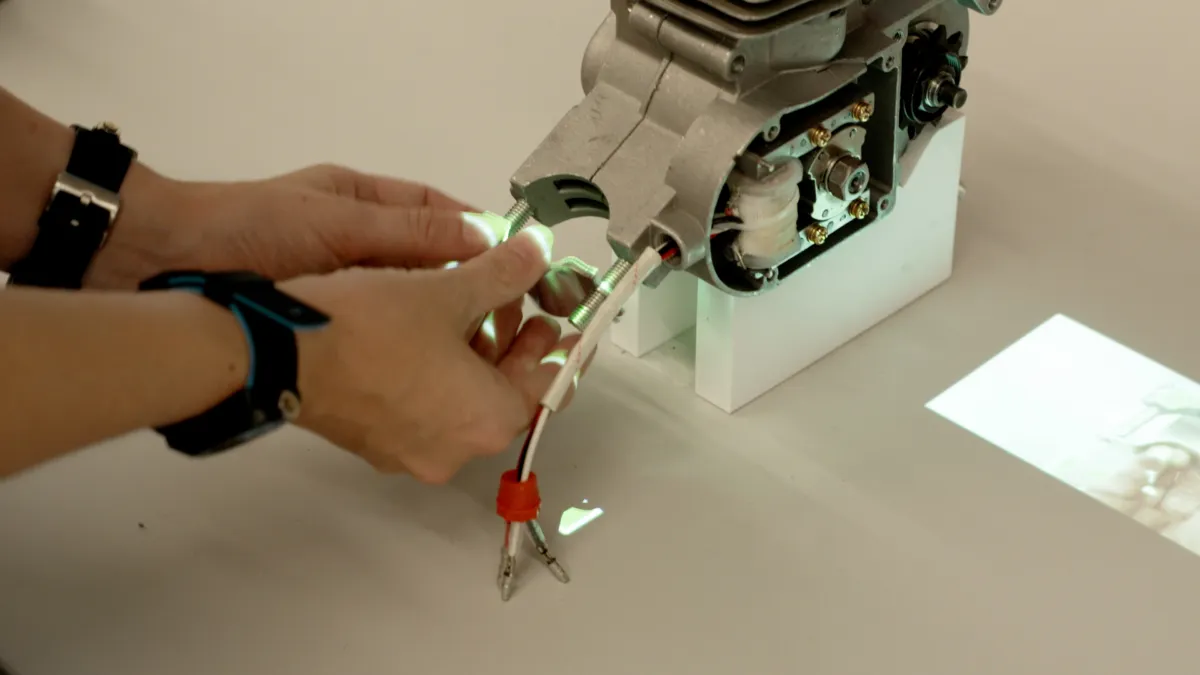
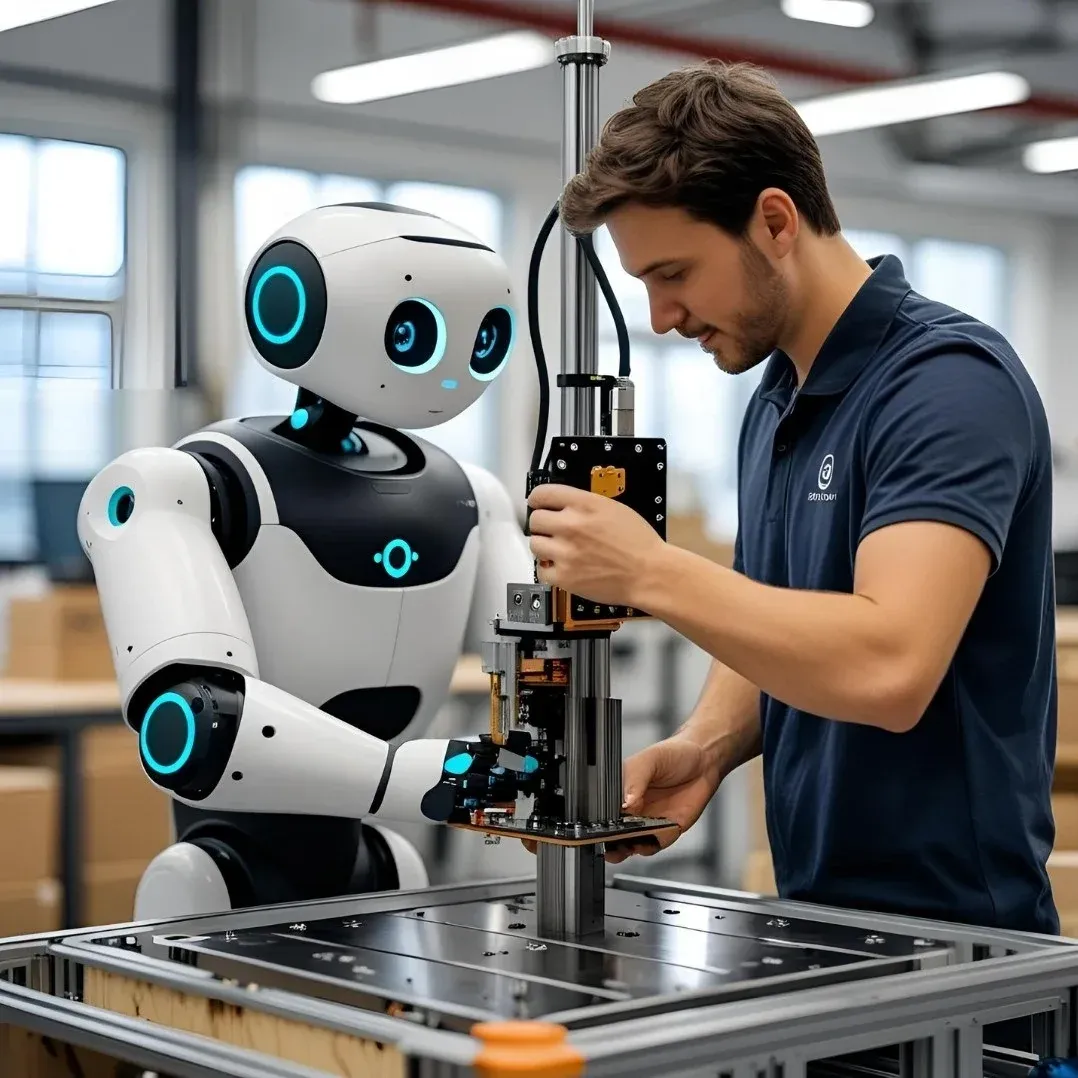
Our operator guidance platform integrates seamlessly with MES, ERP, and other business systems to create a connected manufacturing environment.
Real-time data exchange ensures accurate steps, verified actions, and fully traceable processes.

Connecting with other business systems, such as MES, ERP with operator-guidance platforms, is crucial because it creates a unified digital environment where data moves smoothly from the shop floor to business management. When these systems are integrated, operators receive accurate, real-time instructions, reducing errors and improving production consistency, while supervisors and planners gain immediate visibility into performance, inventory, and quality.
This alignment eliminates data silos, minimizes manual data entry, and ensures every level of the organization works with the same reliable information. By bridging operational systems with enterprise tools, companies can streamline workflows, improve responsiveness, and ultimately achieve higher efficiency, traceability, and scalability.
Your ERP or MES manages orders and production information. Ansomat guides the operator through the work. Sidecars are integration modules that connect those two worlds, bringing system-specific actions into an Ansomat instruction step.
A Sidecar can retrieve job information, check the product being built and return results to the connected system. The data exchanged, the operator prompts and the handling of unavailable systems are configured for each workflow.
These Sidecar workflows have been tested in simulation. The live connections and customer-specific data mappings still need validation before go-live.
We start with your ERP/MES version, available interfaces and the information that needs to move in each direction. Depending on the system, the connection may use APIs, middleware or OPC UA. See our device connectivity and Sidecars overview for related shop-floor connections.
The systems below are examples of ERP/MES environments to discuss with us. Integration availability and scope are confirmed per project; the logos do not indicate certified connectors or vendor partnerships.