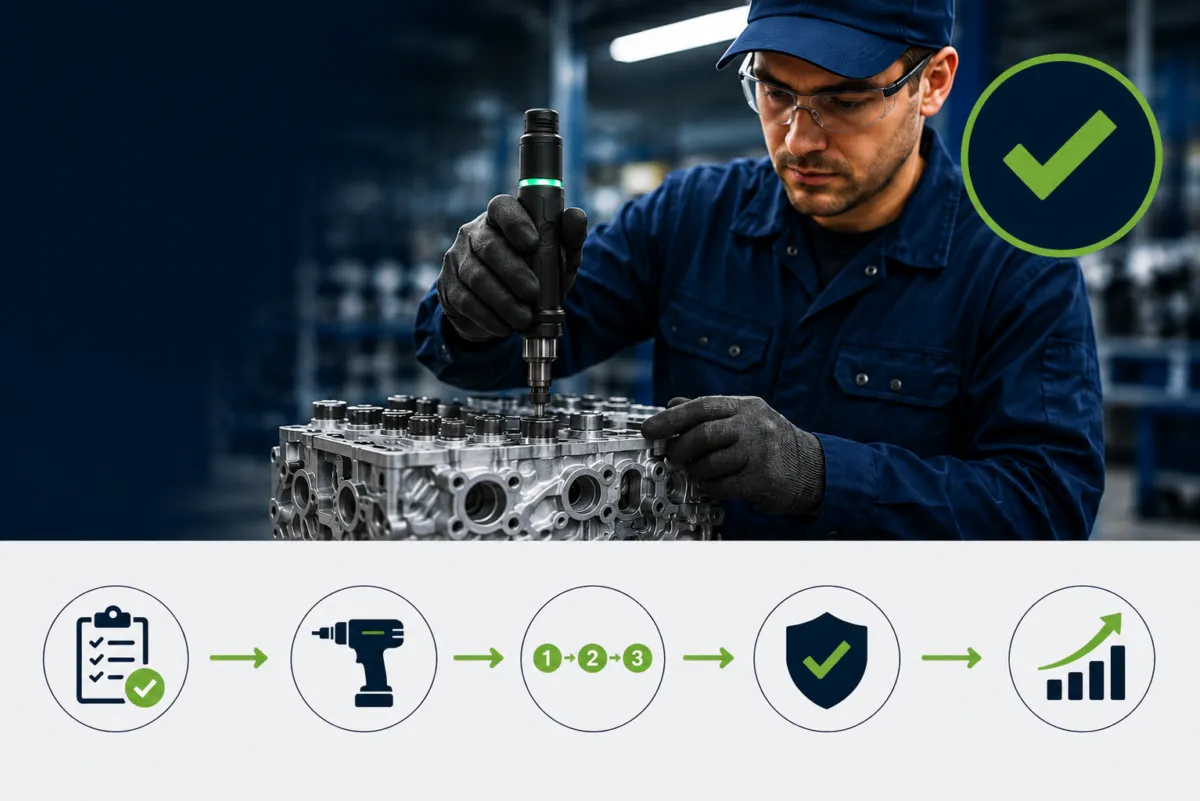
Digital work instructions are about delivering the right information at the right moment in the process, in a way operators can instantly understand and act on.
But showing instructions alone doesn’t guarantee they’re followed correctly.
Operators may:
And supervisors can’t monitor every action in real time. Organizations trust the process, but does the process trust execution?
That’s why leading manufacturers connect operator guidance and validation tools to their digital work instruction platforms. The right tools ensure workers aren’t left on their own and that execution matches intent.
Which tools you choose depends on what outcome you’re trying to achieve. Below is one of the most common goals.
One of the fastest ways to reduce training time is to replace text-heavy manuals with visual, digital work instructions delivered directly at the workstation.
Using a simple projector or AR projector, instructions are displayed exactly where work happens:
This approach significantly reduces:
It’s especially effective for assembly work instructions and high-mix manufacturing environments.
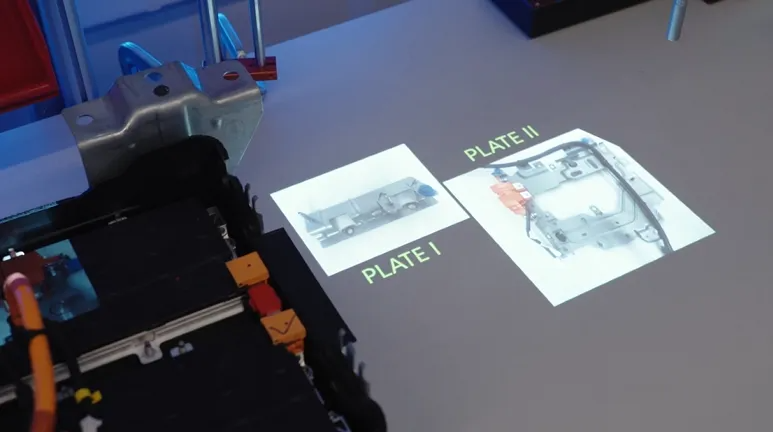
AR-based work instructions overlay digital guidance, such as images, arrows, highlights, and animations, directly onto the physical workstation.
Unlike wearable AR, projection-based digital work instructions are:
This makes them ideal for manufacturing digital work instructions focused on fast onboarding and operator confidence.
To move through digital instructions, many factories use simple physical input devices, such as:
These tools allow operators to manually confirm step completion.
For training and onboarding, this level of control is often enough, the goal is learning the process, not validating every action.
For an even smoother experience, 3D sensors can automate step progression without requiring manual input.
A 3D sensor (typically time-of-flight or depth-based) detects the spatial movement and positioning of hands, tools, or parts in three dimensions.
It enables:
While 3D sensors do not validate correctness like machine vision, they are ideal for training automation.
👉 For onboarding and learning environments, this is often the perfect balance:
The goal is flow and familiarity, not inspection or quality enforcement.
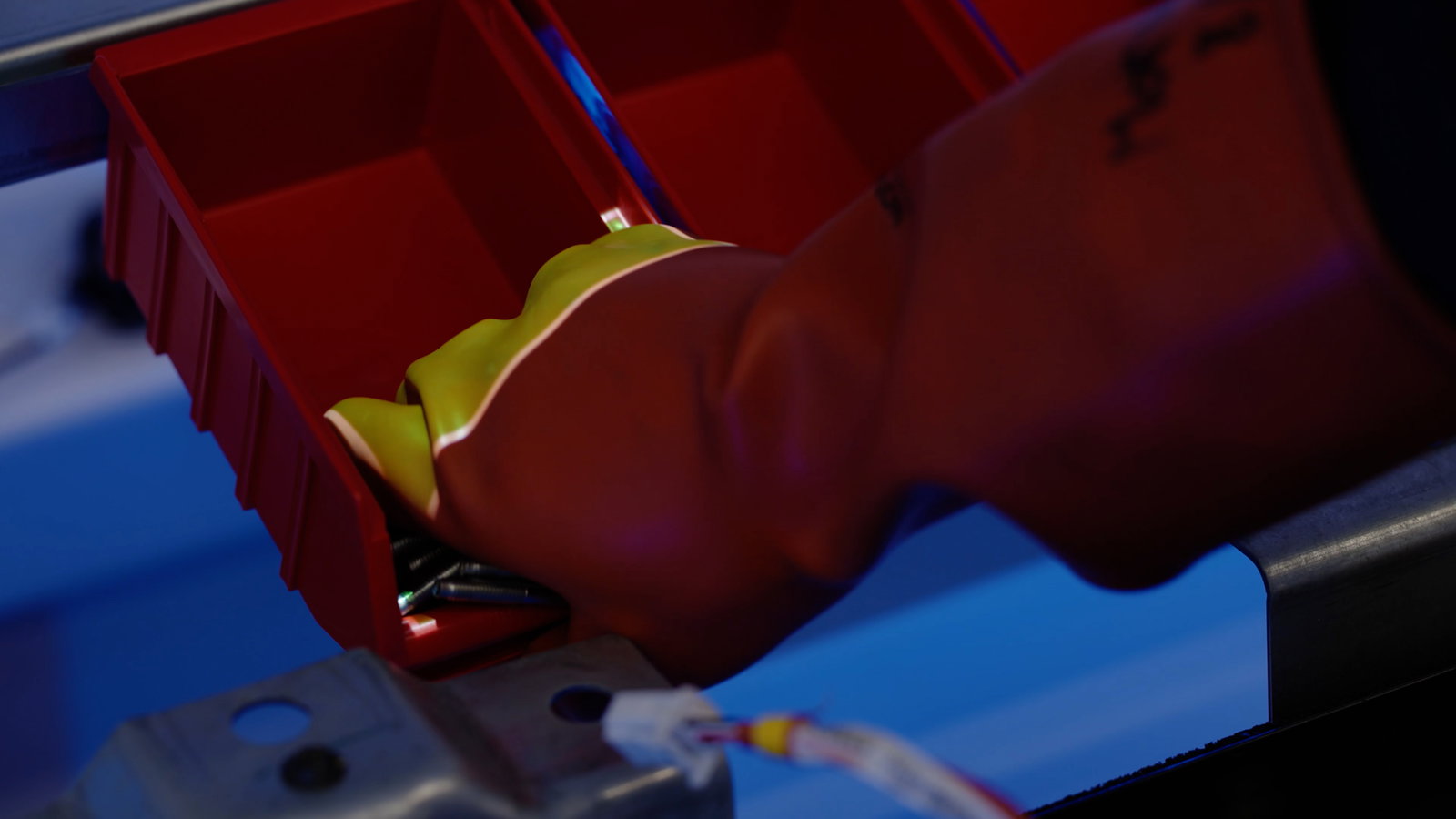
If your goal is doing it right the first time, instructions alone aren’t enough.
You need tools that observe, verify, and validate execution, not just display steps.
That’s where action-validation technologies come in.
Machine vision is often the first solution manufacturers consider, and for good reason.
Machine vision uses industrial cameras and image-processing algorithms to recognize objects, movements, orientations, and sequences of actions in real time.
It enables true execution validation, including:
This is real action validation, not just operator guidance.
While powerful, machine vision has trade-offs:
Machine vision excels at precise, localized quality control, but scaling across large or complex environments can be challenging.
When you need to move beyond individual workstations and validate execution across the factory, RTLS (Real-Time Location Systems) become a powerful alternative.
RTLS tracks tools, products, carriers, or operators in real time using technologies such as:
RTLS provides:
👉 Compared to machine vision, RTLS trades fine-grained visual detail for scalability, robustness, and coverage.
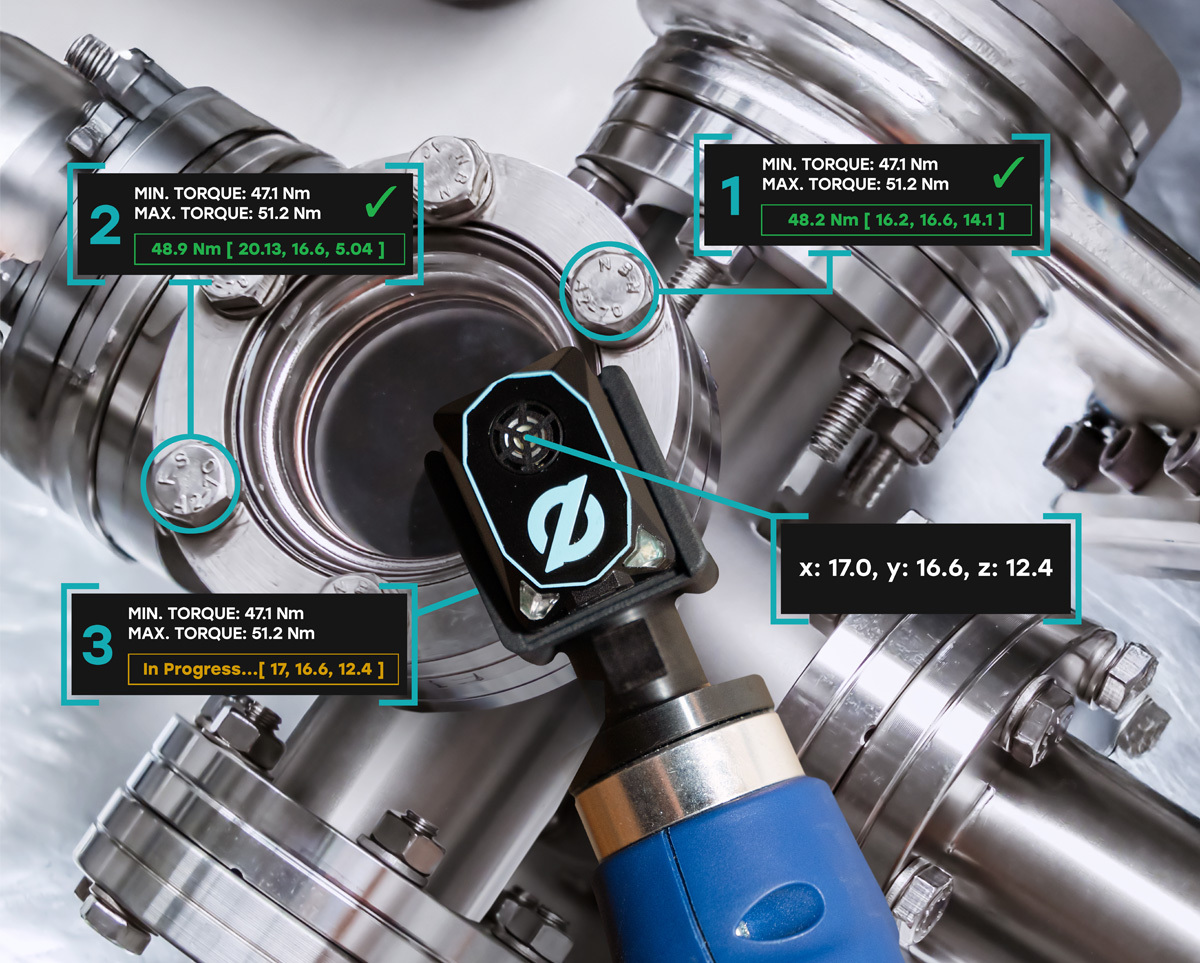
Digital work instructions shouldn’t live in isolation.
Their real value appears when they become part of your automation ecosystem.
In most factories, automation exists on a spectrum:
A modern digital work instruction platform acts as the orchestration layer — guiding people today while integrating seamlessly with machines tomorrow.
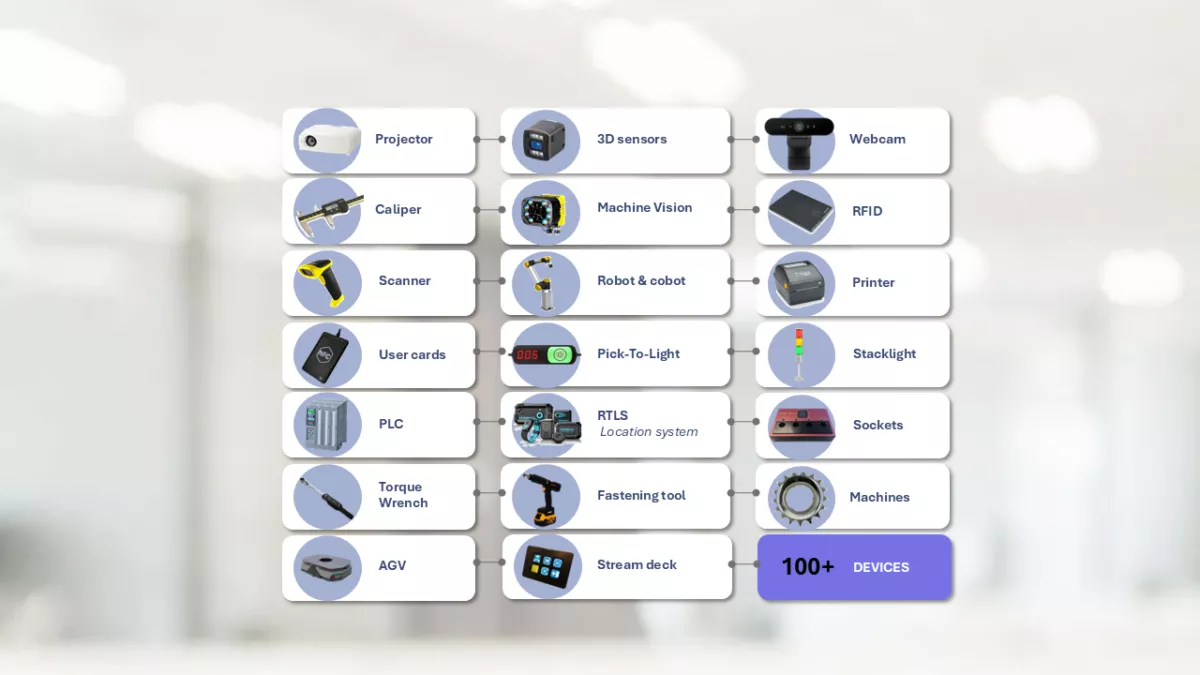
To operate in real manufacturing environments, a platform must speak the factory’s language.
Common industrial protocols include:
These enable direct integration with:
Robot integration means connecting robots and cobots directly to the digital work instruction platform so that:
Rather than replacing PLC logic, the platform coordinates execution, ensuring humans, robots, and machines operate as one system.
👉 This is how digital work instructions evolve from guidance tools into manufacturing control layers.
Connecting tools and devices to your digital work instruction platform isn’t about distrusting operators.
It’s about designing systems where doing the right thing is the easiest thing.
Whether your goal is:
The right combination of visual guidance, sensors, validation technologies, and industrial integrations turns instructions into execution.