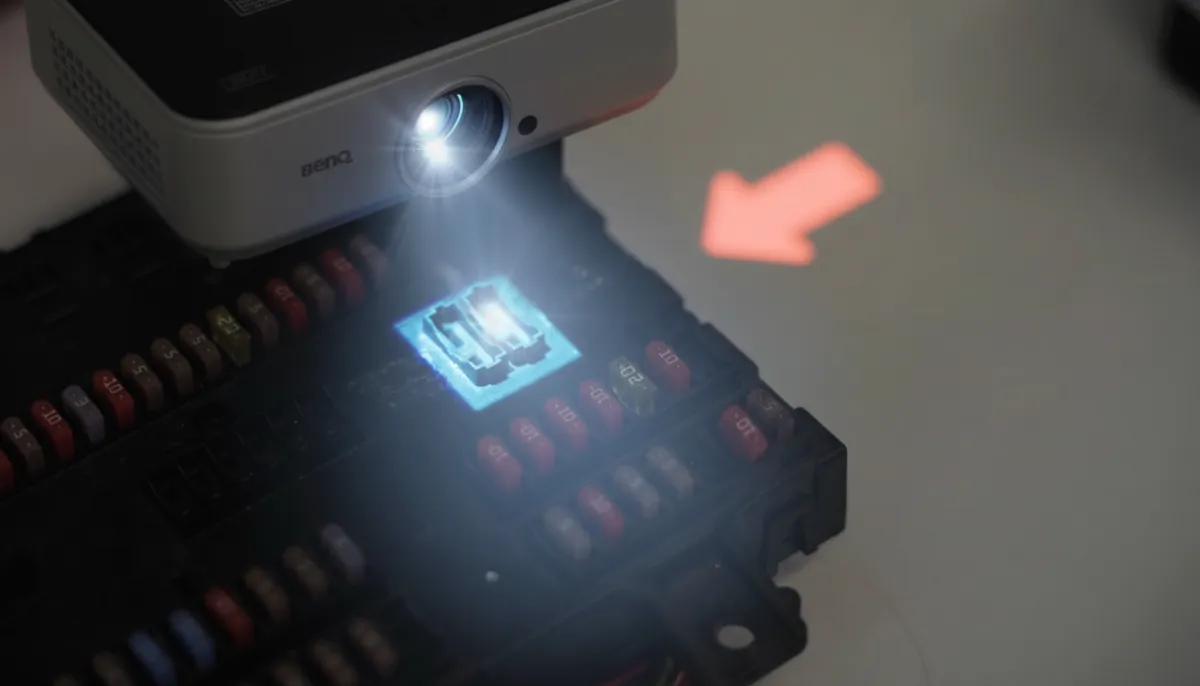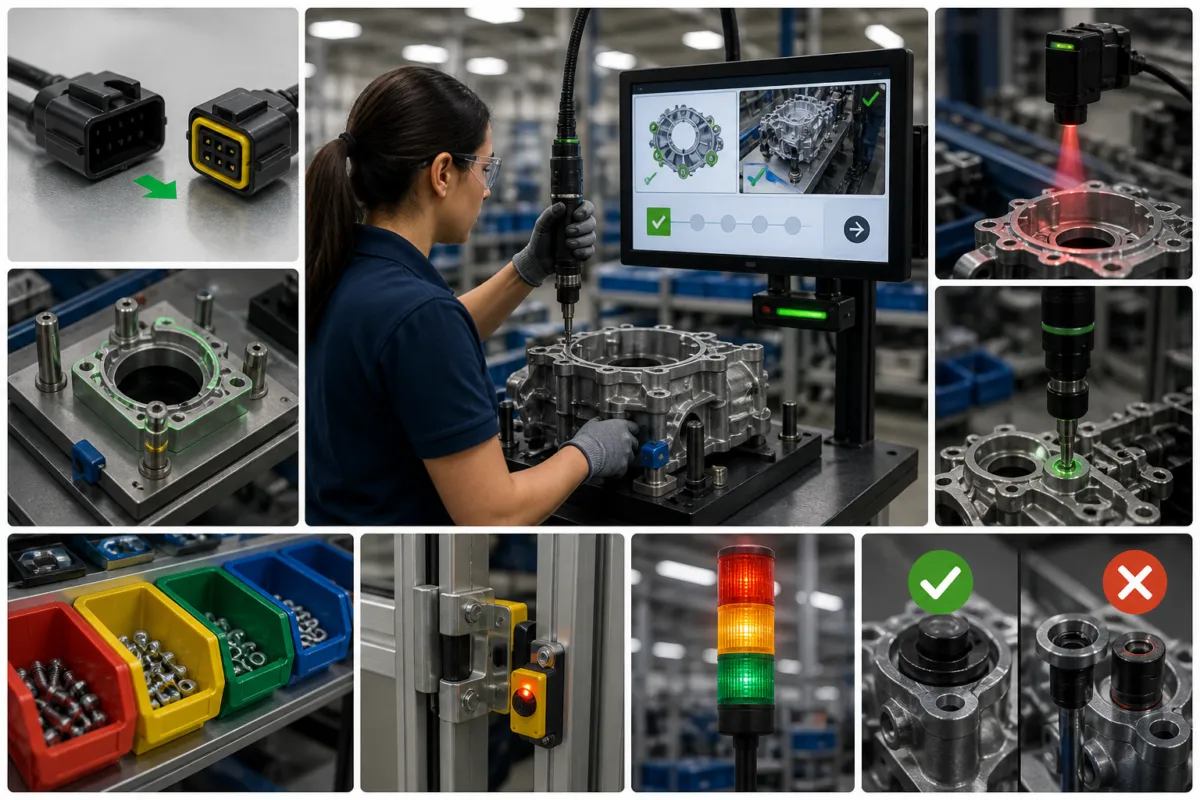
Poka-yoke means mistake-proofing: designing a process to prevent a particular error or make it immediately apparent so that it can be corrected. It can involve a simple physical fixture, a sensor check or a controlled digital workflow.
It is closely associated with lean manufacturing and the Toyota Production System. The practical objective is to address errors at their source, rather than depend only on a final inspection.
Wrong components, missed operations and incorrect tightening can create rework and quality escapes. Start by identifying a specific failure mode, then choose a check or constraint that addresses it. A solution needs testing with the actual parts, process variants and operators.
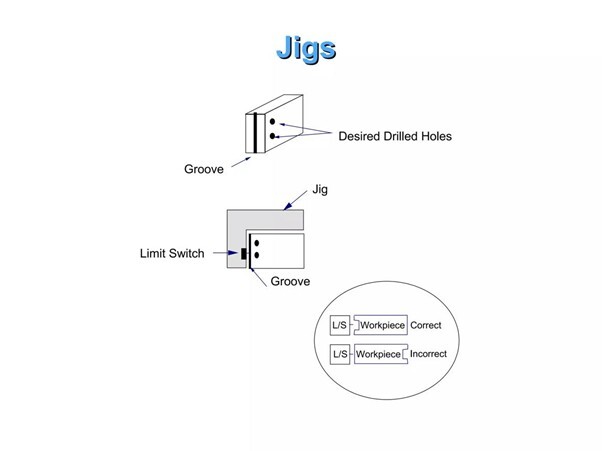
A prevention measure removes an opportunity for error, such as a keyed fixture that accepts a part in one orientation. A detection measure identifies an error or an incorrect condition.
The response also matters. A warning alerts the operator; a control prevents the process from continuing until the required condition is met. ASQ explains these mistake-proofing functions and recommends testing the selected method before implementation.
No-Fault-Forward production applies this idea by checking defined conditions before the product advances. Specify how a failed check is corrected and who may authorize an exception.
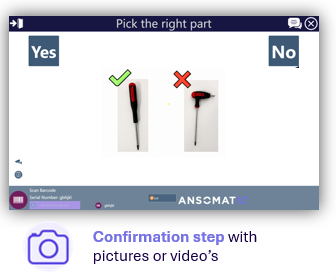
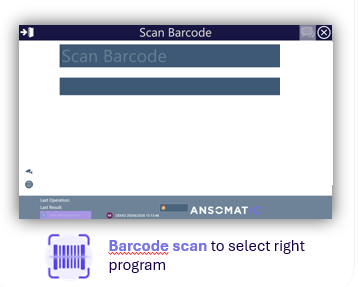
Operator guidance and digital work instructions can show the required part and sequence. Configured barcode checks can compare a scanned identifier with the expected product or component.
A confirmation button records an operator response; by itself, it does not prove that a physical operation was completed correctly. Use a suitable tool or sensor result where that evidence is required.
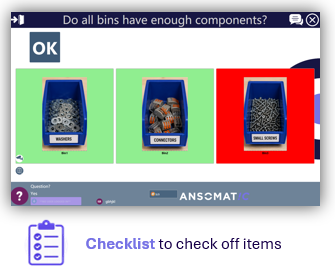
Connected fastening tools, including suitable digital torque wrenches and electric screwdrivers and nutrunners, can provide tightening results for comparison with configured limits.
The application may require the correct tool program, tightening sequence and result before allowing the next operation. Validate the joint, tool capability, calibration and acceptance limits: a torque result alone does not establish every aspect of joint quality.
A fixture can constrain a component to the intended position or orientation. Test relevant part variants and wear conditions so that an incorrect assembly cannot pass the intended check.
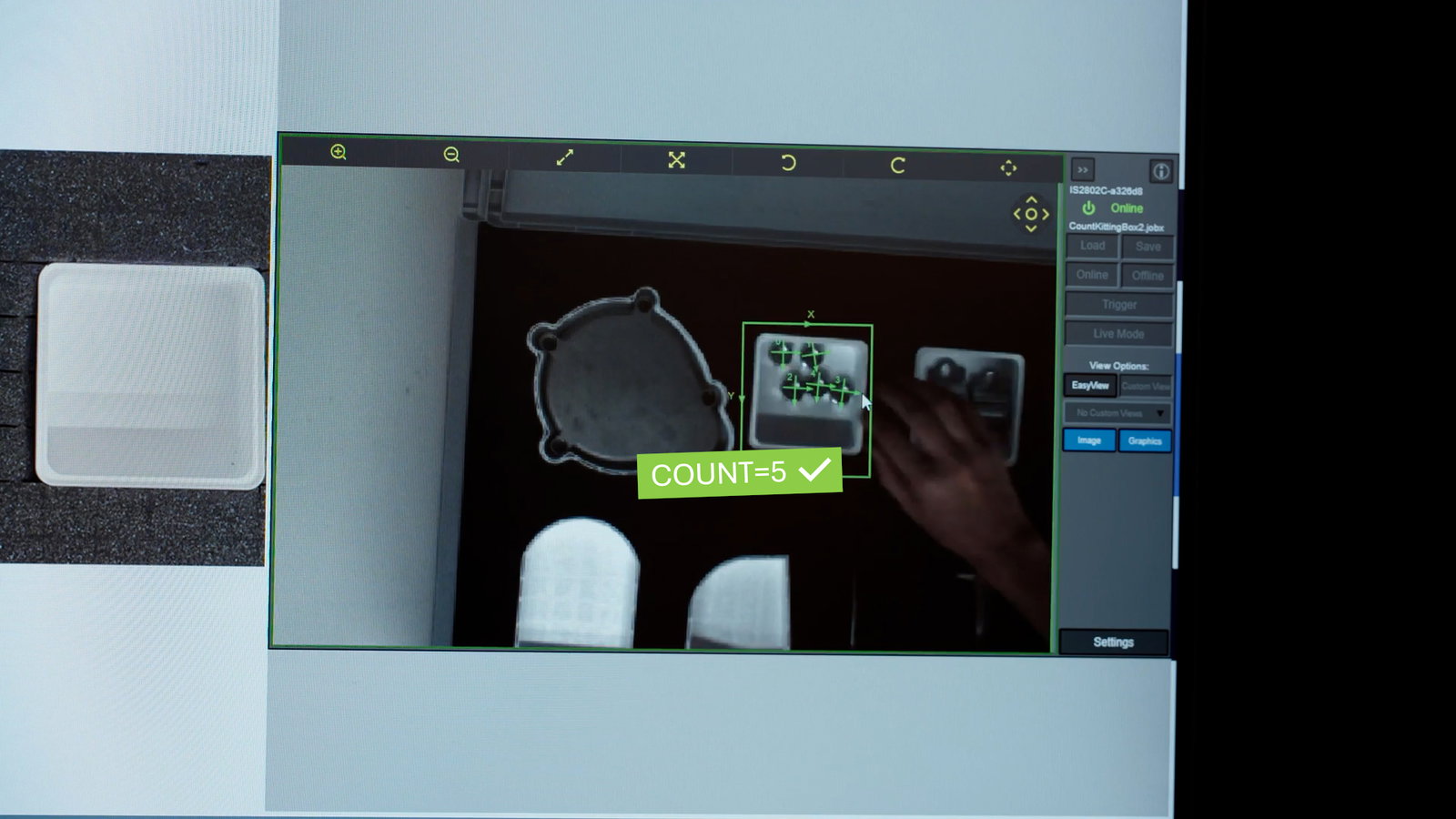
Machine vision can check selected features such as part presence or position. Other sensors can confirm a defined process condition. Lighting, tolerances, false accepts and false rejects need validation for the application.

A barcode check can link a part or product identifier to the required operation and help detect a variant mismatch. Traceability records the selected results against that identifier, supporting later investigation.
Use your own production data rather than assume a standard improvement percentage. Keep product mix, acceptance criteria and the measurement period comparable.
| Measure | What to record | Why it matters |
|---|---|---|
| First-Time-Right | Units passing first time and total units processed | Shows first-pass quality without hiding rework |
| Rework and scrap | Time, materials and defect categories | Shows the cost of recurring failures |
| Process checks | Failed checks, false rejects and overrides | Tests whether the control is useful and reliable |
| Operator experience | Feedback, assistance requests and training needs | Identifies unclear steps and recovery problems |
| Cycle time | Comparable process times before and during the pilot | Checks the operational effect of the added validation |
For the calculation and an example, see our guide to First-Time-Right manufacturing. Account for implementation, integration, training and maintenance costs when assessing the business case.
No. A warning needs a response from the operator. A physical constraint or process control can stop a defined incorrect action or prevent progression. Choose the response according to the failure mode and its consequences.
No. Instructions help communicate and standardize the task. Validation depends on the checks, tool integrations and process design in use, alongside training and ongoing verification.
Use one representative instruction to review its creation, operator flow and required records. Physical tool connections, sensors and production validation need an application-specific assessment with the Ansomat team.
Explore the software with a free Ansomat trial. Create an account in the app; our team approves access before you can begin.
For tools, sensors and application-specific error prevention, book a demo to discuss your process and the checks you need.