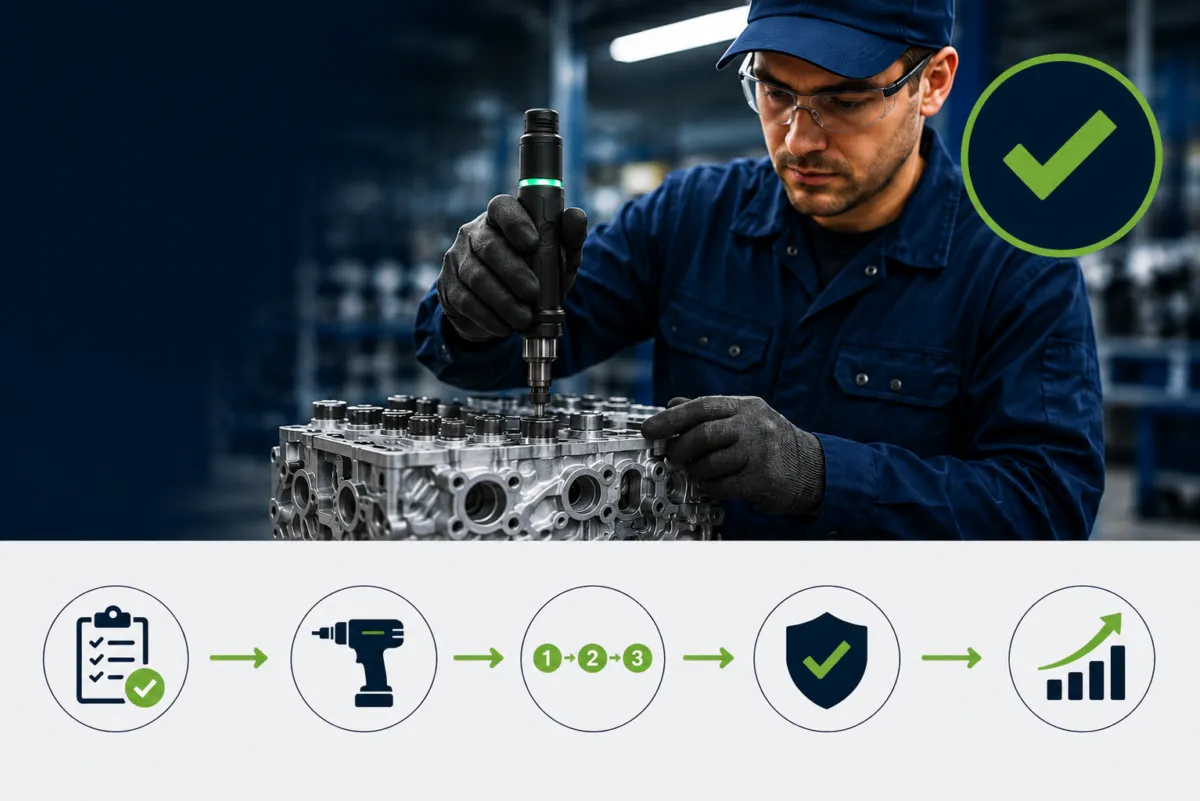
Choosing the right operator guidance system is not about buying software? it’s about defining how work is executed, controlled, and improved on the shop floor. The right solution supports operators in real time, improves quality and training outcomes, and creates a foundation for future automation. The wrong one adds friction, complexity, and resistance.
The tips below help you move from feature comparison to value-driven selection.
Before evaluating any operator guidance or work instruction software, clearly define what success looks like. Common goals include:
Different goals require different levels of guidance and validation. Selecting technology first often leads to overengineering or poor adoption. Start with the problem, then choose the tools that solve it.
Every effective operator guidance system starts with digital work instructions. If instructions are still paper-based, static PDFs, or stored in people’s heads, adding sensors or automation will only magnify inconsistencies.
Look for digital work instructions for manufacturing that offer:
Without a solid instruction foundation, advanced tools cannot deliver sustainable value.
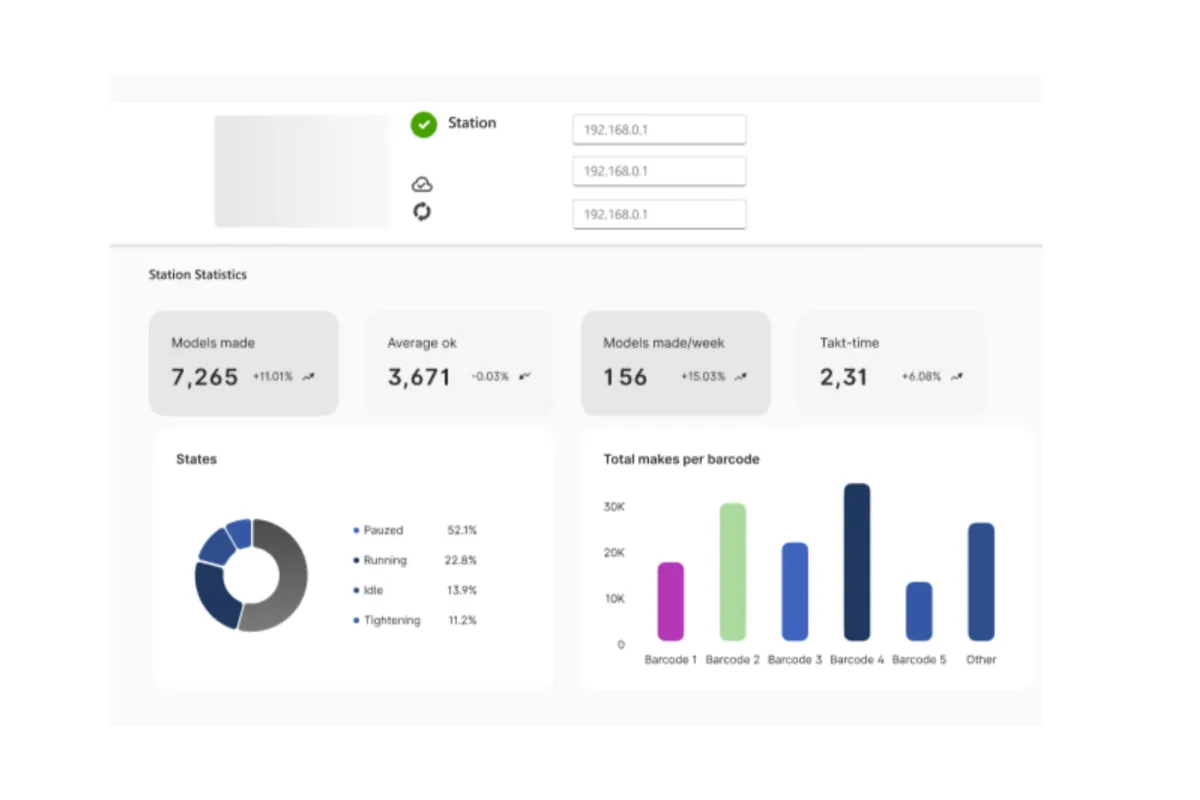
That’s where a modern digital work instruction platform like Ansomat Management System plays a critical role to centralize instruction creation, update and monitoring


An operator guidance system is used by people, not engineers or IT teams. Usability is therefore critical. If operators struggle to understand or accept the system, adoption will fail.
Key usability criteria:
Human-centric electronic work instructions reduce cognitive load and help operators focus on execution rather than interpretation.
Avoid platforms that force you into complex integrations or automation from day one. The right operator guidance system allows you to:
This phased approach reduces risk and accelerates ROI. Scalability should be built into the architecture, not forced during implementation.
Real manufacturing processes are not linear text documents. A strong assembly work instructions platform supports different step types, including:
This flexibility allows instructions to adapt to product variants, operator skill levels, and real-time conditions.
Operators, team leaders, engineers, and quality managers all interact with instructions differently. The right system supports dynamic work instructions, role-based access, ensuring:
Advanced systems also adapt guidance based on experience:
Paper and PDF instructions often fail because they drift from reality. A modern work instructions software must enforce:
This is especially critical in regulated industries such as aerospace, automotive, and medical manufacturing.
If your goal includes first-time-right or no-fault-forward execution, instructions alone are not enough. The system must integrate with smart devices such as:
These tools automatically validate execution and prevent errors before they propagate downstream, turning digital instructions into controlled execution.

Even if you are not planning full automation today, select a platform that is automation-ready. Look for support of standard industrial protocols such as:
This ensures your connected worker platform can later integrate with PLCs, robots, cobots, and higher-level systems without rework.
The best operator guidance systems allow you to validate impact quickly. Start with:
A focused pilot builds internal confidence, aligns stakeholders, and provides real data to justify scaling. If a platform cannot deliver value in a small pilot, it will not succeed at scale.
Selecting the right operator guidance system is a strategic decision that shapes how work is executed across your organization. By starting with digital work instructions, prioritizing human-centric design, integrating validation tools, and scaling step by step, manufacturers can achieve measurable improvements in quality, training, and resilience, without overengineering.
The right system doesn’t just document work.
It guides, validates, and continuously improves how work gets done.