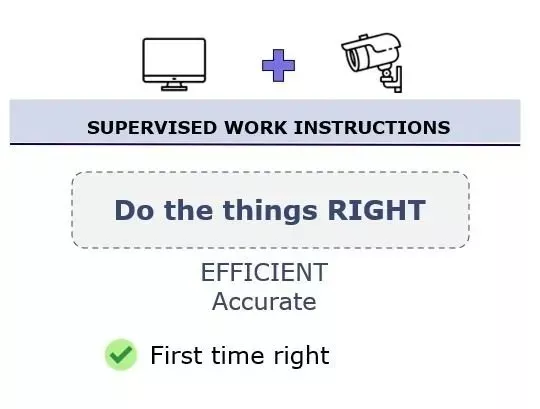
Of the billions of products manufactured every day, few could be made without any human interaction. Digital work instructions are a medium to guide operators through each step of the process providing in context information like pictures, video’s.. However it has its limit in terms of execution reliability, safety and accuracy. Despite having good intentions, making mistakes is inherently part of what makes us human. Some mistakes – although not intended – can have a serious impact on product quality. Hence, humans deserve a second eye, especially when a manufacturing process is critical or prone to errors.
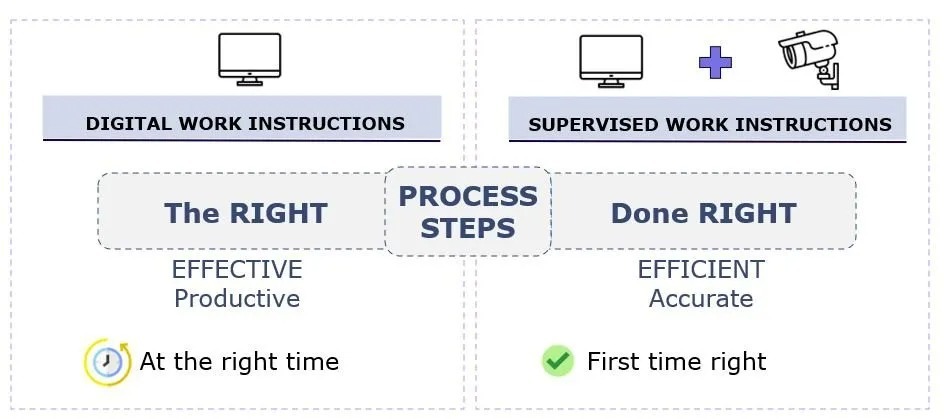
Where digital work instructions facilitate to do the right things, is where supervised work instructions empower operators to do the things right. It also helps with automating process confirmation, whereby operators are automatically guided through the process steps. While doing research, there exists different technologies, like 3D sensors or even machine vision systems with built-in AI capability. But which type is most suitable for which application? And what are the benefits?
| Requirement | 3D sensor | Machine Vision |
| Detect hand or object presence | Excellent | Excellent |
| Confirm operator actions | Excellent | Excellent |
| Create virtual confirmation zones | Excellent | Possible |
| Confirm picking from the correct location | Excellent | Excellent |
| Identify a specific component | Limited | Excellent |
| Distinguish product variants | Limited | Excellent |
| Check color or markings | No with depth data alone | Excellent |
| Detect visual defects | Limited | Excellent |
| Verify component orientation | Possible depending on application | Excellent |
| Inspect multiple components | Limited | Excellent |
| Handle varying component positions | Application-dependent | Excellent with suitable vision tools |
| Setup complexity | Generally lower | Generally higher |
| Best suited for | Process confirmation | Process and quality validation |
The simplest way to think about the difference is:
3D sensor → Did the action happen?
Machine vision → Did the action happen correctly?
There are exceptions, and modern 3D vision systems can perform sophisticated inspection tasks. But for operator-guidance applications, this distinction provides a useful starting point.


3D sensors measure the distance between the sensor and the nearest surface point by point using the time-to-flight principle. In fact, it gives you a measured height of each pixel within target frame.

where 3D sensors help to confirm process steps, is where vision goes one step further and is able to validate operator actions or inspect products (different shapes or colors, irregularities, strains,.. )
A practical example, imagine you are about to exercise at home using a fitness app. The app will guide you through your workout, but the app won’t warn in case of a wrong posture nor would it generate any alert necessarily to correct you. Unlike a real fitness coach, It simply doesn’t have the capability to validate the correctness of execution. However, tracking technologies do exist and have found their way into manufacturing applications one of those is called “machine vision”.
A vision system with Built-in AI is able to solve various problems conventional sensors and smart cameras have trouble with, including ambient light, individual differences of products, and changes in the positions of parts. The built-in AI, specially designed for presence/absence differentiation and is capable of detecting differences between acceptable and unacceptable products or handlings.

With all this in mind, it is important to understand the application to define which technology is a good fit.
Ansomatic is a software platform that accommodates the different sensor and camera technologies.
Want to learn more, plan an informal demo
Show us your workstation, process and validation requirements. We'll help you determine the simplest approach that provides the level of error prevention and process control you need.