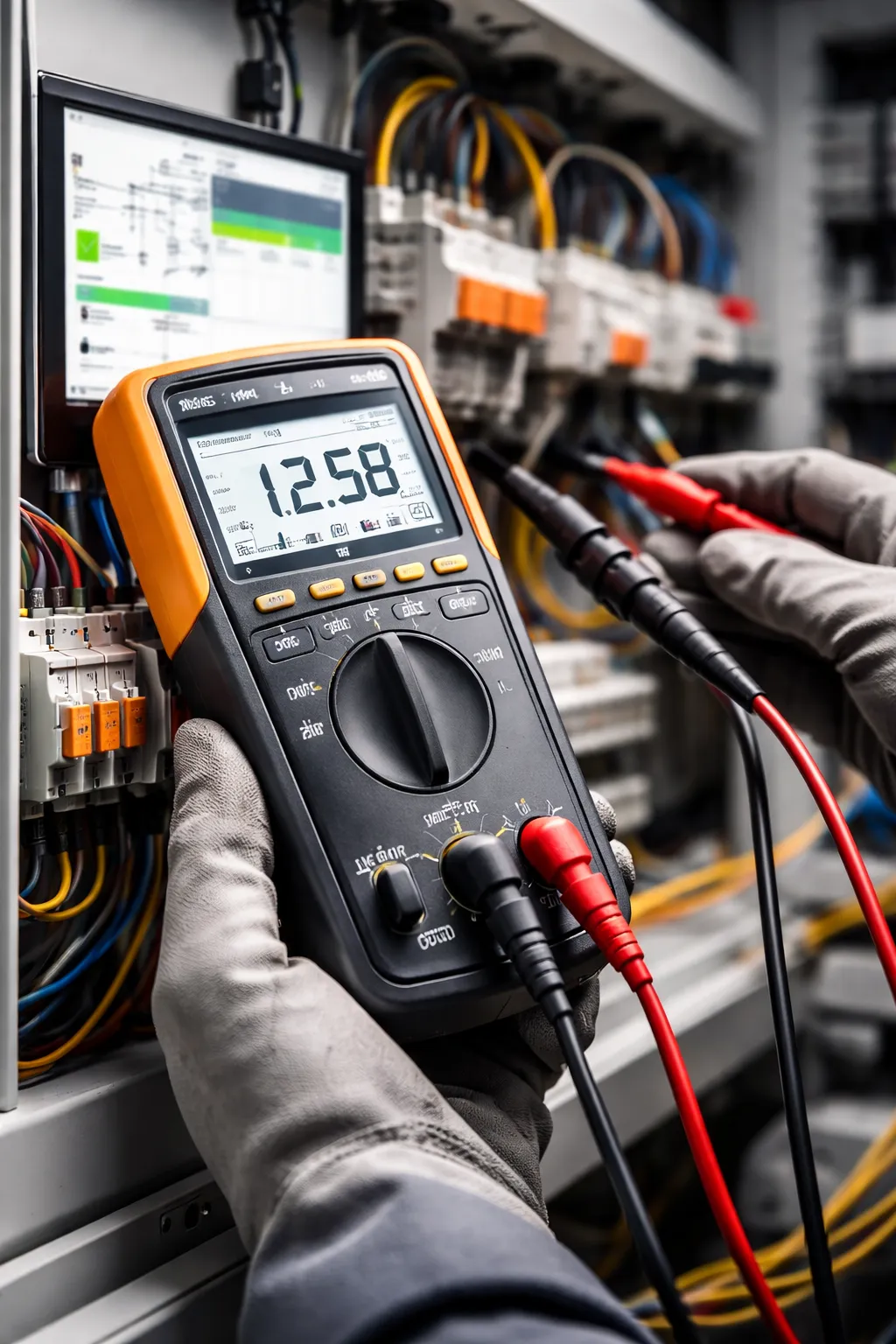
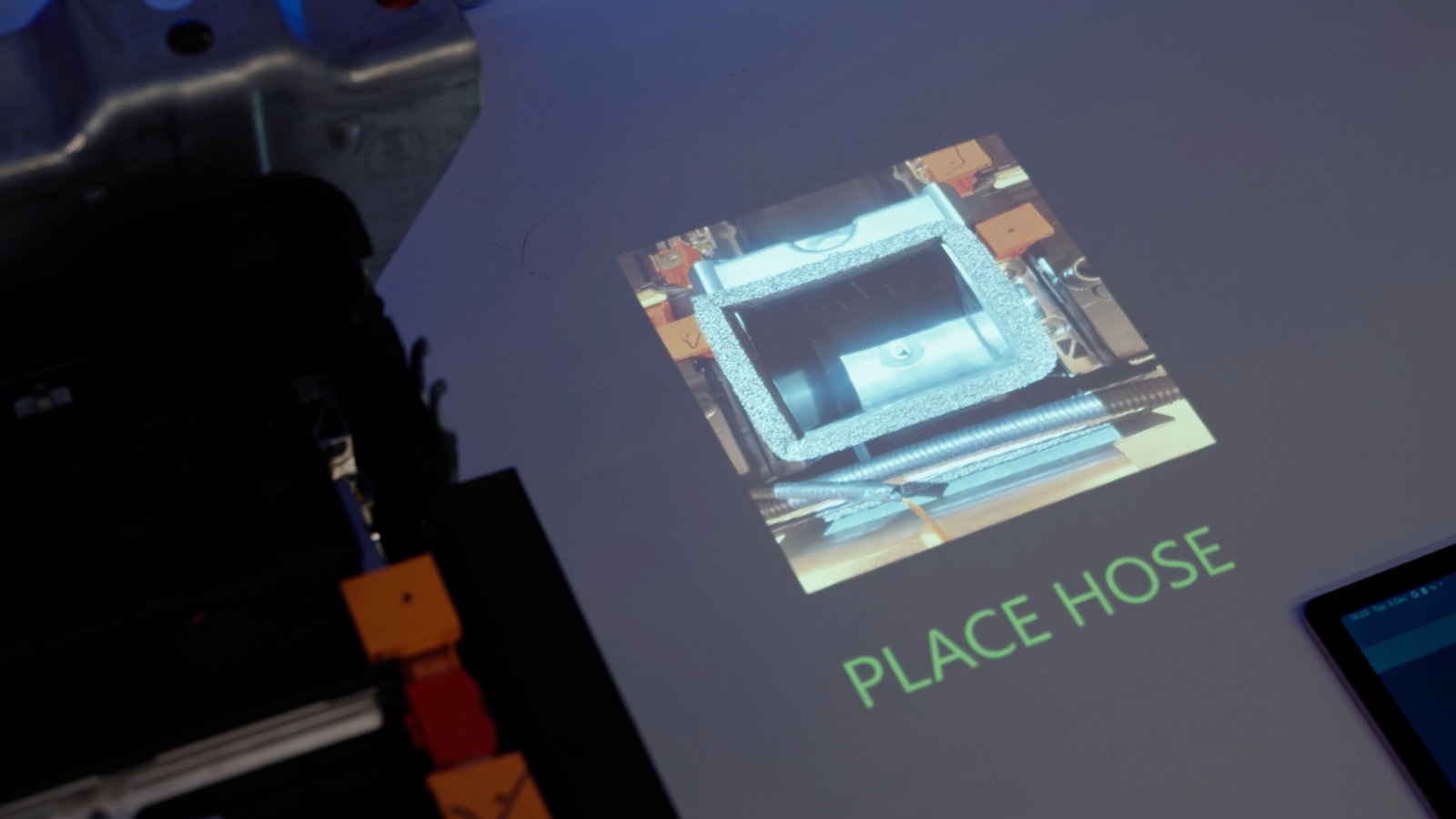
When operators lack clear, real-time guidance, errors rise and productivity drops. Projection-based Augmented Reality (AR) addresses this by bringing digital information into the physical world by projecting a virtual operating layer onto any work surface. It guides operators through tasks using augmented reality work instructions, also known as AR-supported work instructions.
Projected work instructions using Projection-Based Augmented Reality (AR) deliver clear, visual guidance directly onto the workstation, transforming any surface into an interactive workspace. By projecting step-by-step augmented reality instructions onto physical objects, these work instructions in AR/VR enable operators to immediately understand what needs to be done, reducing confusion and accelerating task execution.
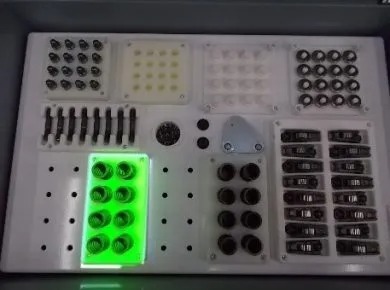


Projected work instructions play a key role in optimizing modern assembly environments. By integrating augmented reality assembly and augmented reality assembly instructions, companies can significantly improve performance, quality, and workforce efficiency. Below are the main benefits:
Reduce onboarding time by up to 50% with AR instructions and augmented work instructions. Delays in training & onboarding often lead to slower productivity and increased errors on the shop floor.
People are naturally visual learners. Visual instructions are universal and communicate faster and more effectively than text. With projected AR and augmented work instructions, complex tasks become easier to understand and execute in real time. This makes AR instructions especially powerful for training & onboarding, helping workers of all backgrounds, languages, and experience levels become productive much faster.
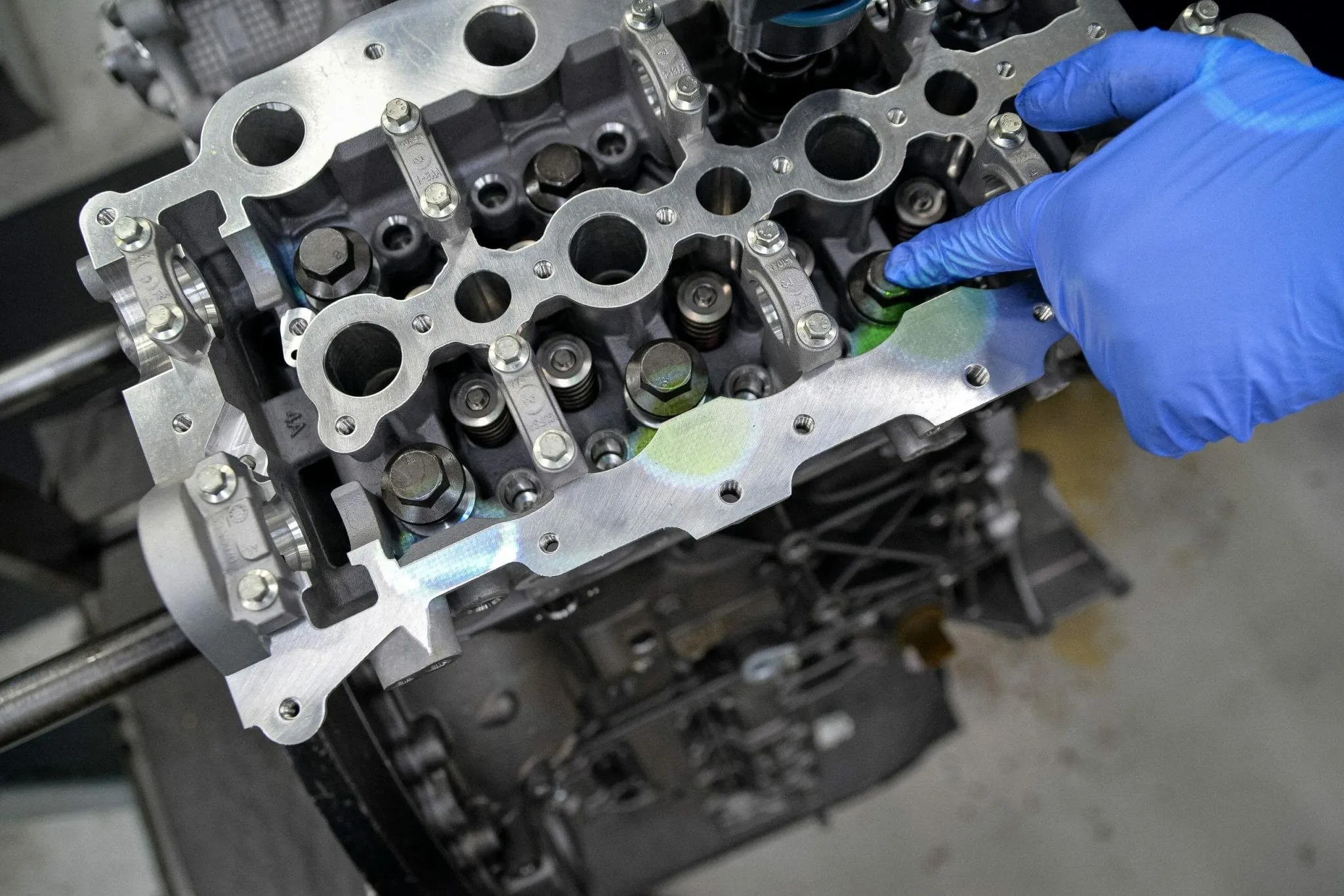
Forget outdated classroom-based training. With Augmented Reality work instructions, operators can learn directly on the production floor. This hands-on method improves confidence, ensures better retention, reduces supervision needs, and drastically cuts down the time required to train new employees.

Instead of constantly shifting focus between a product and a screen, operators interact directly with their workpiece. This results in better posture, less fatigue, and improved overall focus, contributing to both productivity and worker well-being.

Reduce errors and rework while moving closer to zero-defect manufacturing with AR work instructions and built-in error-proofing. Traditional processes rely on operator interpretation, increasing the risk of mistakes, scrap, and costly rework.
With AR work instructions combined with vision systems, every step is visually guided and validated in real time. By projecting clear, step-by-step instructions directly onto the workspace, operators always know what to do and where to act. This creates a powerful error-proofing mechanism where operators simply “follow the lights,” ensuring tasks are completed correctly the first time.
By eliminating guesswork and enabling a no-fault-forward production approach, augmented work instructions significantly reduce errors, minimize rework and scrap, and improve overall process consistency and speed.
Projected augmented reality combines hardware and software to deliver AR work instructions directly onto the physical workspace. At its core, the system consists of a projector, intelligent software, and tracking technology that work together to guide operators in real time.
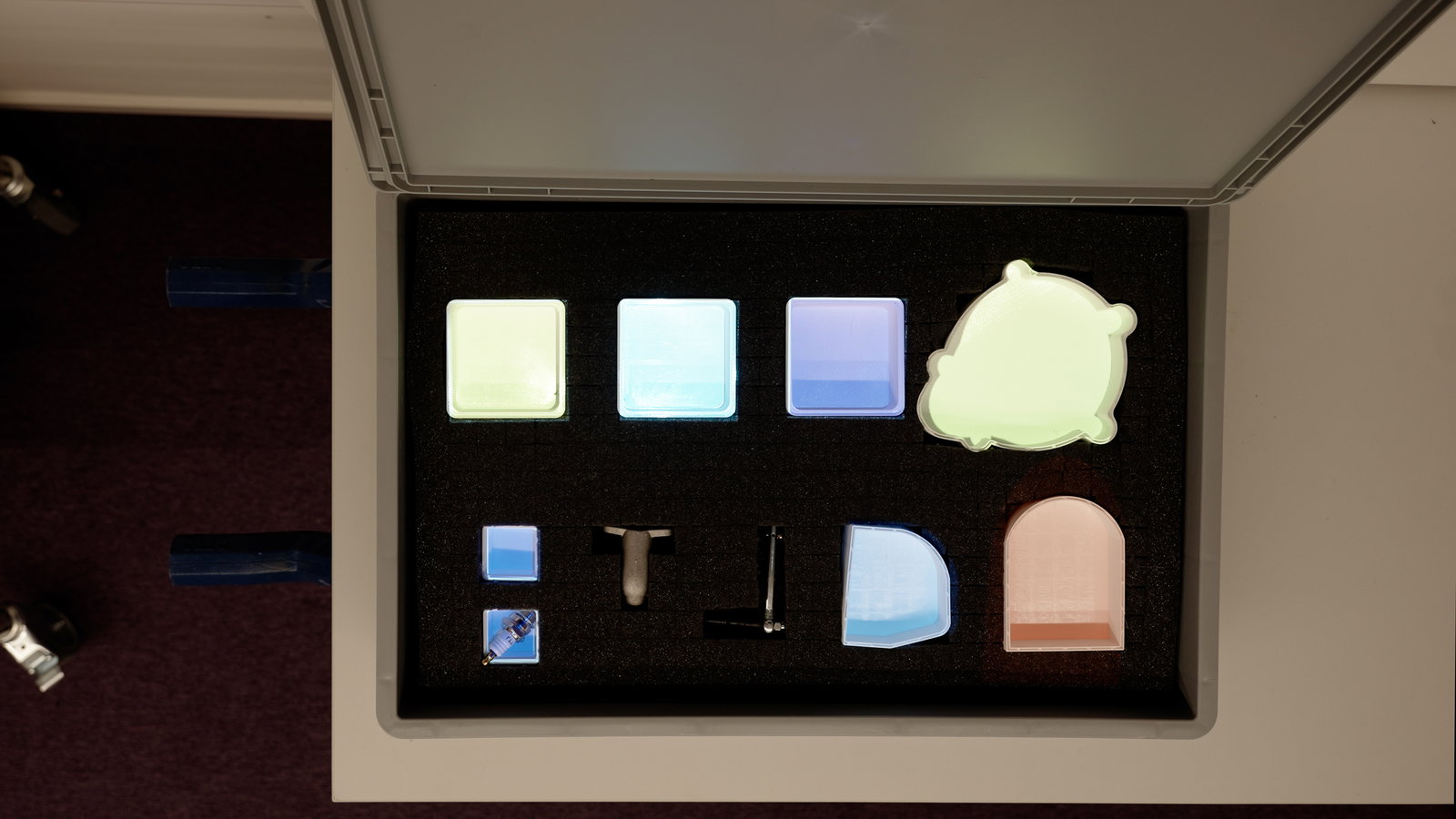
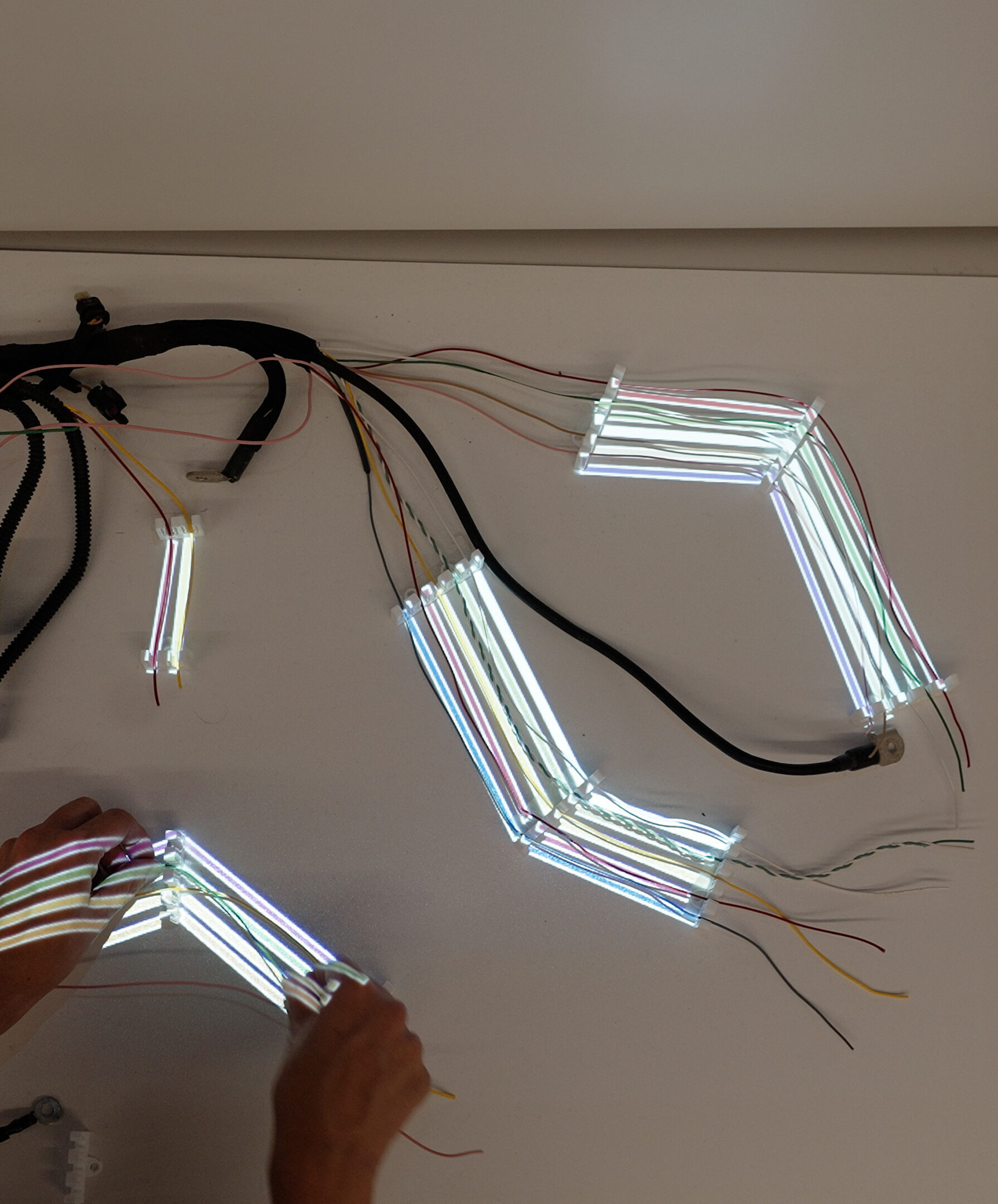
First, the software defines the workflow and translates each step into visual instructions. A projector then overlays these instructions, such as highlights, arrows, or outlines, directly onto the workpiece or workstation. This ensures that operators see exactly where actions need to be performed, without shifting their attention to external screens.
Tracking systems, often powered by machine vision or sensors, continuously monitor the position of objects and the progress of the task. Based on this input, the system updates the projected guidance dynamically, enabling true step-by-step support. Operators are guided through each stage of the process with clear, contextual cues, improving speed and accuracy.
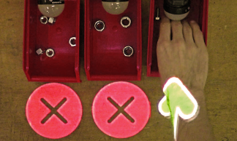
In addition, projected augmented reality systems can include validation and error detection. For example, the system can verify whether the correct component is placed or if a step has been completed properly, immediately alerting the operator in case of deviations.
These solutions can also integrate with existing systems such as MES, ERP, or connected tools. This allows real-time data exchange, automatic workflow updates, and full traceability of operations.
For a deeper look at how these solutions are implemented, explore our augmented reality work instructions platform.
| Category | ❌ Before (Traditional Instructions) | ✅ After (Projected Work Instructions) | 📈 Improvement / Savings |
| Instruction format | Paper manuals, PDFs, or screens | Visual instructions projected directly onto workspace | Eliminates need for physical materials |
| Operator focus | Constantly looking away (paper/screen ↔ task) | Eyes stay on task (hands-free guidance) | ↑ Focus, ↓ interruptions |
| Error rate | Higher due to misinterpretation or skipped steps | Lower with step-by-step visual guidance | ↓ Errors by 30–90% |
| Training time | Long onboarding (days/weeks) | Faster training (hours/days) | ↓ Training time by 40–70% |
| Process speed | Slower due to interruptions | Faster, smoother workflow | ↑ Productivity by 10–30% |
| Flexibility | Hard to update (reprints, version issues) | Instant updates via software | ↓ Update time from days → minutes |
| Quality consistency | Varies between operators | Standardized execution | ↑ First-time-right rate |
| Cognitive load | High (reading + translating to action) | Low (visual + intuitive) | ↓ Mental effort significantly |
| Traceability | Limited or manual tracking | Often integrated with tracking systems | ↑ Real-time data & accountability |
| Workspace clutter | Paper, tablets, or screens present | Clean, minimal workspace | ↓ Clutter, safer workspace |
| Adaptability | Static instructions | Dynamic (can change per product/variant) | Enables mass customization |
| Language barriers | Requires translation | Visual guidance reduces language dependency | ↓ Translation costs & errors |
Projected AR and wearable AR (smart glasses) are two widely used technologies for delivering work instructions in AR/VR, but they differ significantly in how they are applied on the shop floor. With projected AR, digital instructions are displayed directly onto the work surface, meaning operators do not need to wear a headset or glasses. This hands-free approach improves comfort, reduces resistance to adoption, and often leads to higher acceptance among operators in manufacturing environments.
In contrast, wearable AR devices such as smart glasses provide a more personalized and mobile experience, but can introduce ergonomic challenges and potential safety concerns, such as limited field of view or prolonged device use. From an operational perspective, projected AR is typically the better choice for fixed workstations and repetitive tasks, while wearable AR is more suitable for complex procedures, mobile workflows, or remote assistance.
To learn more about how these technologies can be applied in your production process, explore Ansomat’s augmented reality solutions for manufacturing.
Projected work instructions are used across multiple stages of the manufacturing process, where clarity, speed, and accuracy are essential. Below are the most impactful and commonly applied use cases:
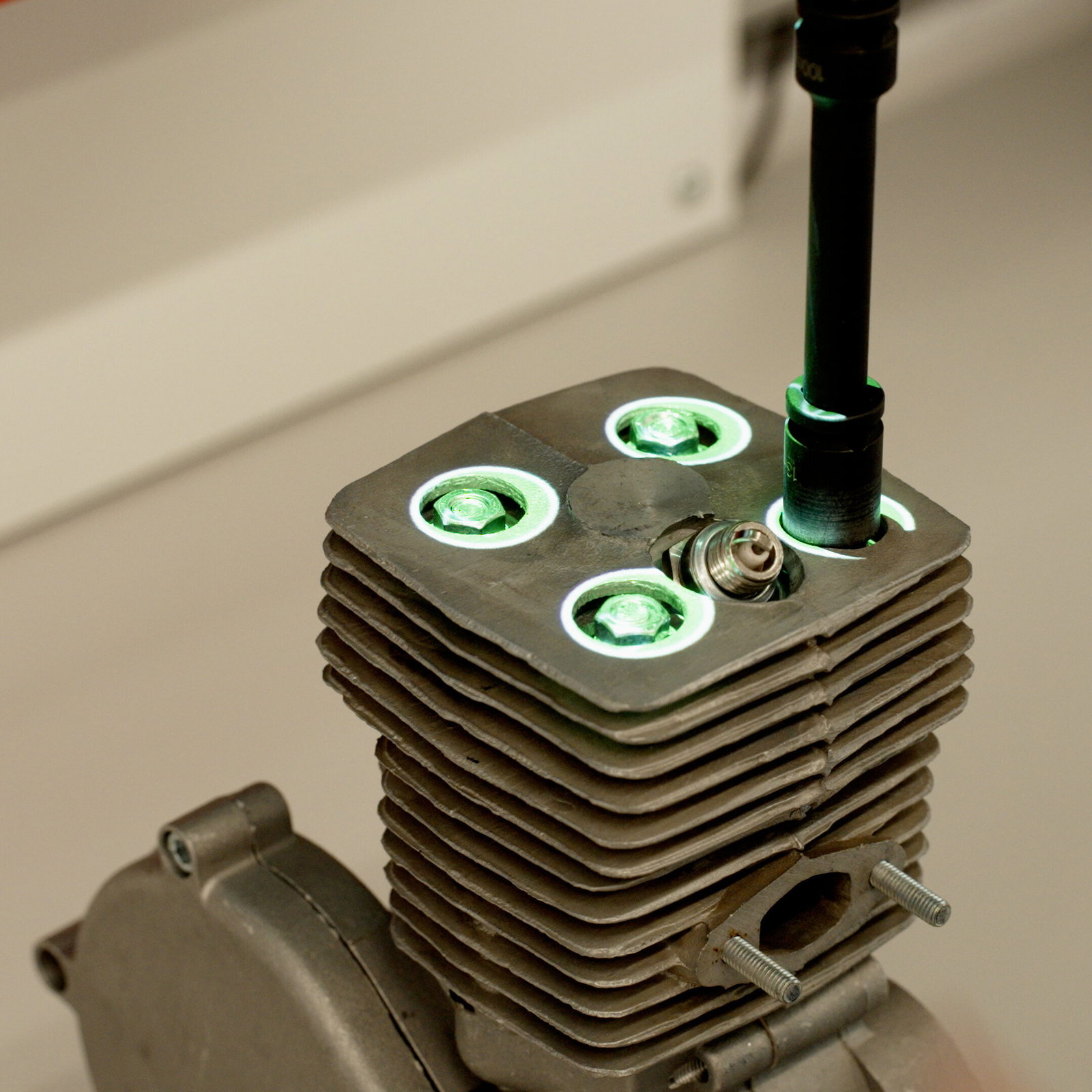
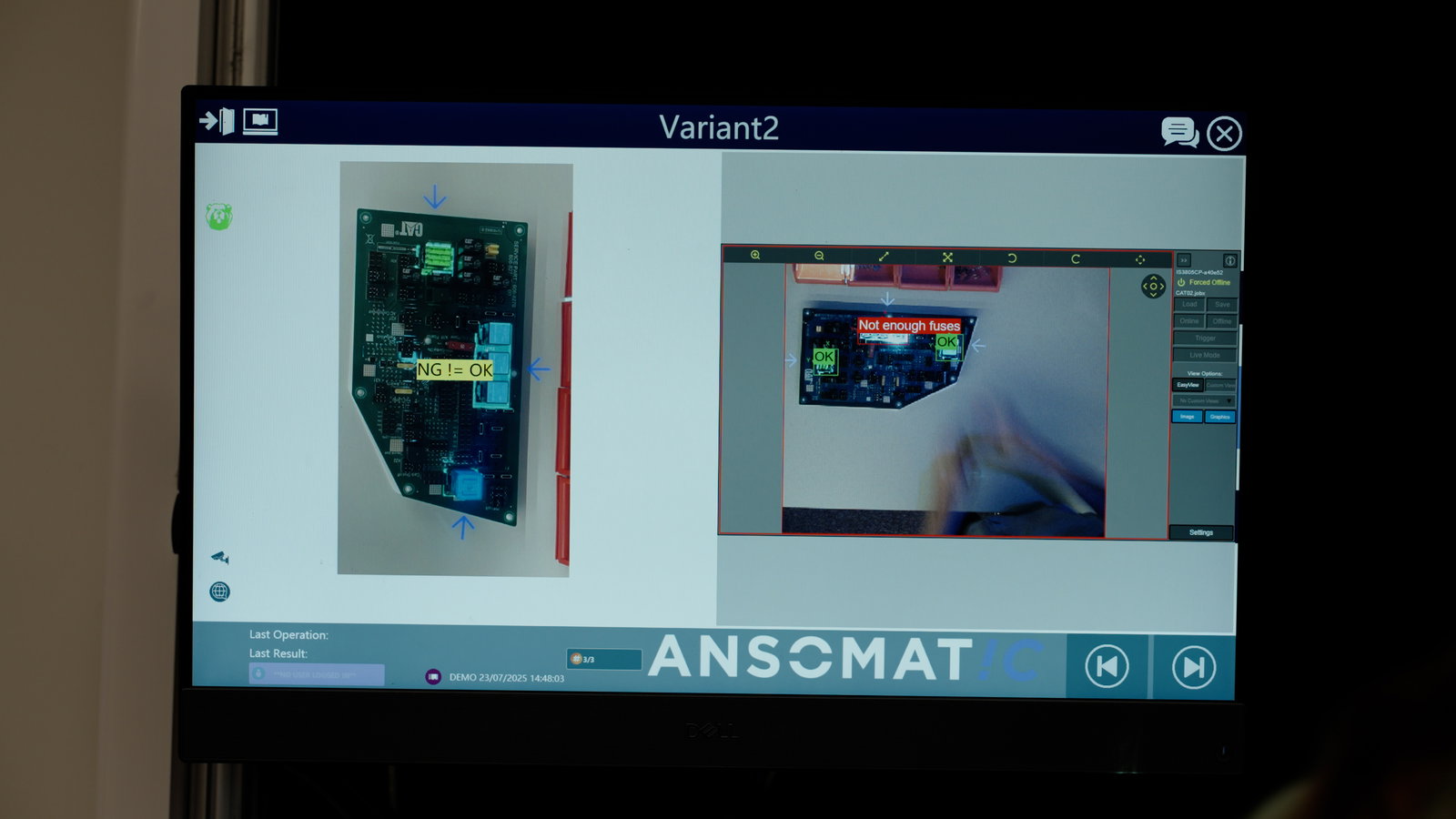
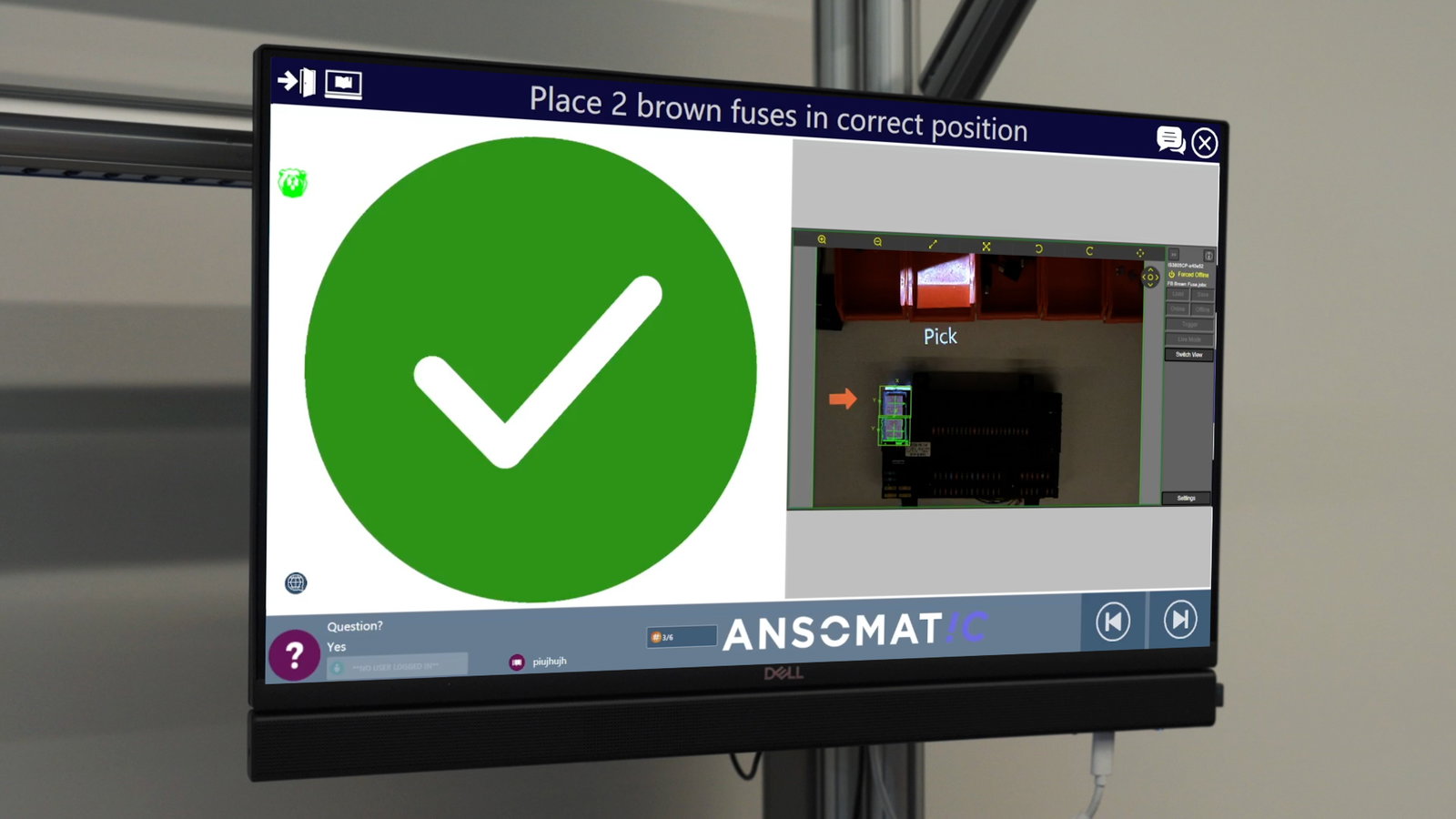
By projecting instructions exactly where the work happens, companies reduce errors, improve efficiency, and create a more intuitive and scalable production environment.
Major manufacturers across multiple industries are already using projected AR to cope with high workforce turnover, skill shortages, and rising quality demands. Unlike VR headsets or wearables, projected AR is non-intrusive, easy to integrate, and widely accepted on the production floor.
As industries face evolving challenges, supporting a diverse, multigenerational workforce becomes essential. Projected AR enables standardized, high-quality execution across varying skill levels- empowering every operator to succeed without compromising on output or precision.



Experience our solution yourself.