-
Operator Guidance

Ansomat Management System
- Schroefsystemen
- Oplossingen
- Industrie
- Referenties
- Boek een demo
- Gratis test

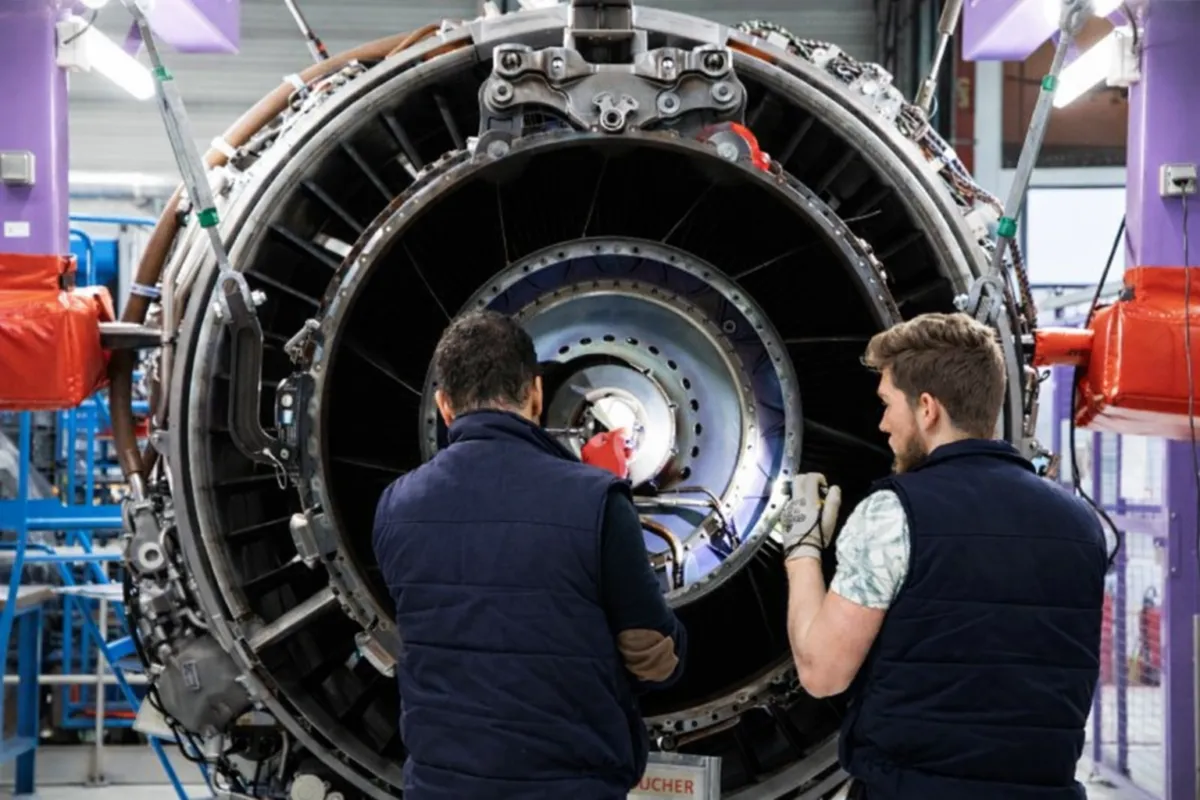
Voordat een reparatie aan een aeroboosters werd gestart, moesten technici 5 handmatige koppelverificaties uitvoeren om de werking van de sleutel te bevestigen. Alle controles werden:
Dit zorgde voor inefficiëntie, introduceerde het risico van menselijke fouten en maakte het moeilijk om compliance aan te tonen.
Digitale koppelvalidatie
Nauwkeurigheid van het koppel vóór elke reparatie.
Met de nieuwe Ansomat Operator guidance software wordt de nauwkeurigheid van tools digitaal geverifieerd en worden koppelmetingen automatisch gekoppeld aan het reparatieproces.

The process starts by scanning the QR code associated with the component.
Ansomat identifies the component and automatically loads the correct digital repair workflow. The technician no longer needs to search through paper documentation or manually select the correct procedure.
Digital Work Instructions guide the technician through each stage of the repair.
Instructions, images, process parameters and quality checks are shown when they are needed, helping technicians follow complex procedures consistently.
Torque-controlled operations are integrated directly into the workflow.
Connected digital torque wrenches receive the required parameters and send torque and angle results back to the system automatically.
This means tightening and documentation become part of the same process instead of two separate tasks.
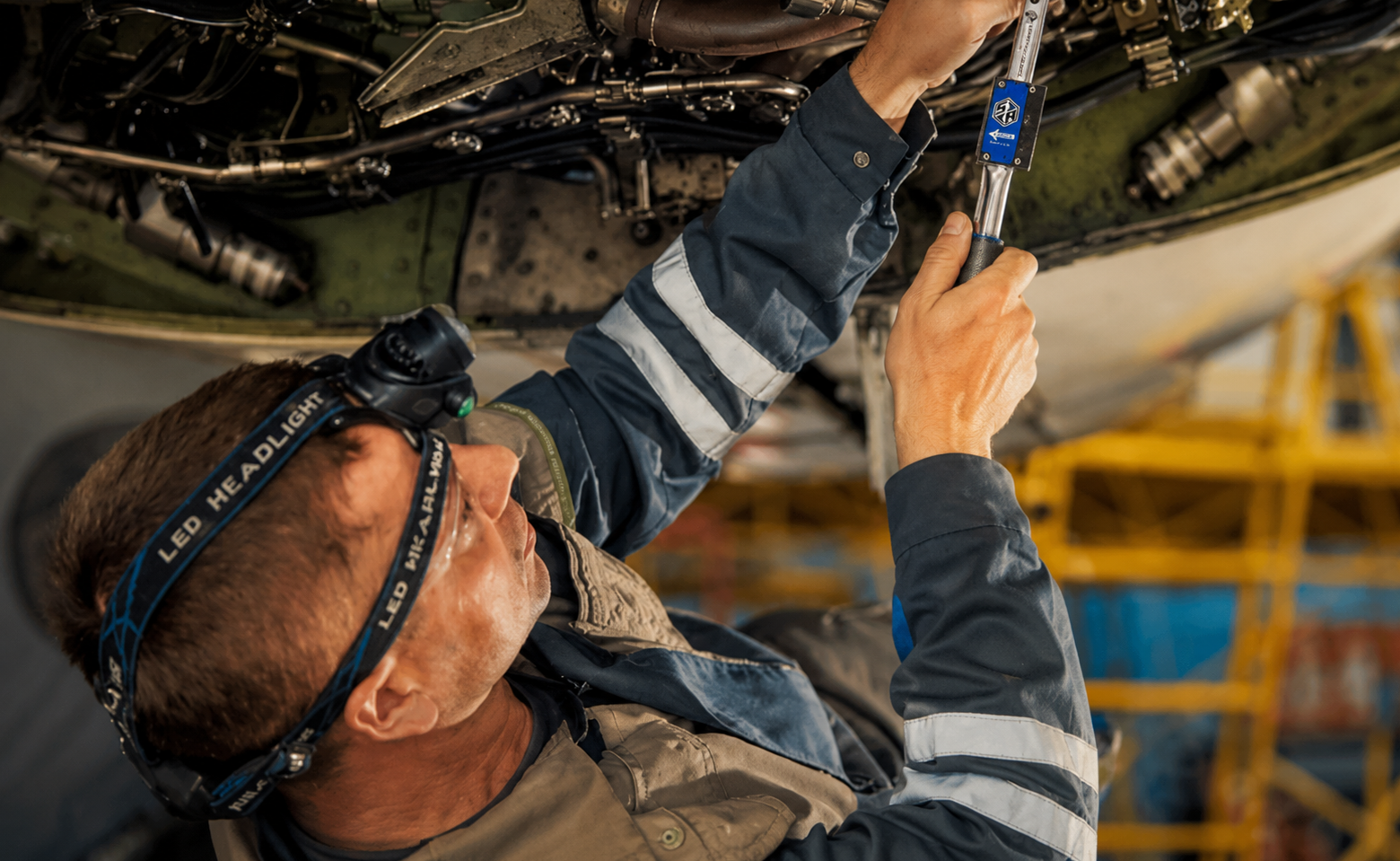
Before certain critical operations begin, the technician performs a torque test using an integrated testing unit.
The result is automatically captured and compared with the permitted specification.
Within specification:
The tool receives an OK result and the technician can continue.
Outside specification:
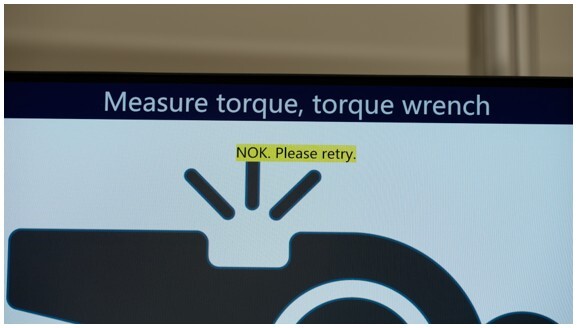
The tool receives an NOK result and the workflow directs the technician to the appropriate corrective or calibration procedure.
This turns torque wrench verification from a separate manual check into an integrated part of the MRO workflow.
Manual quality checks can also be included in the digital process.
For example, technicians can capture photographic evidence with the Ansomat Companion App and link it directly to the relevant repair step.
The digital repair record can bring together:
Process results
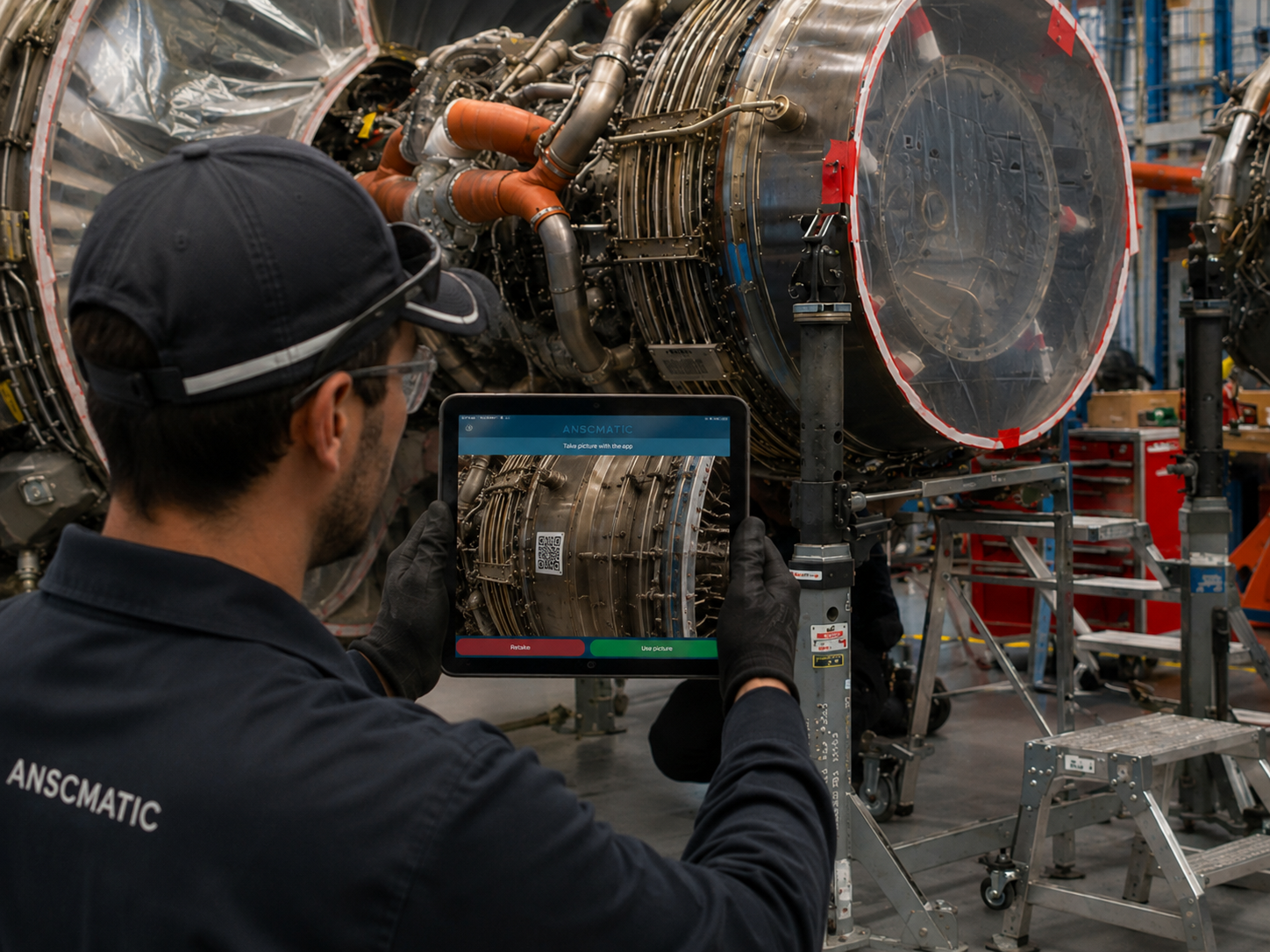
The process starts by scanning the QR code associated with the component.
Ansomat identifies the component and automatically loads the correct digital repair workflow. The technician no longer needs to search through paper documentation or manually select the correct procedure.
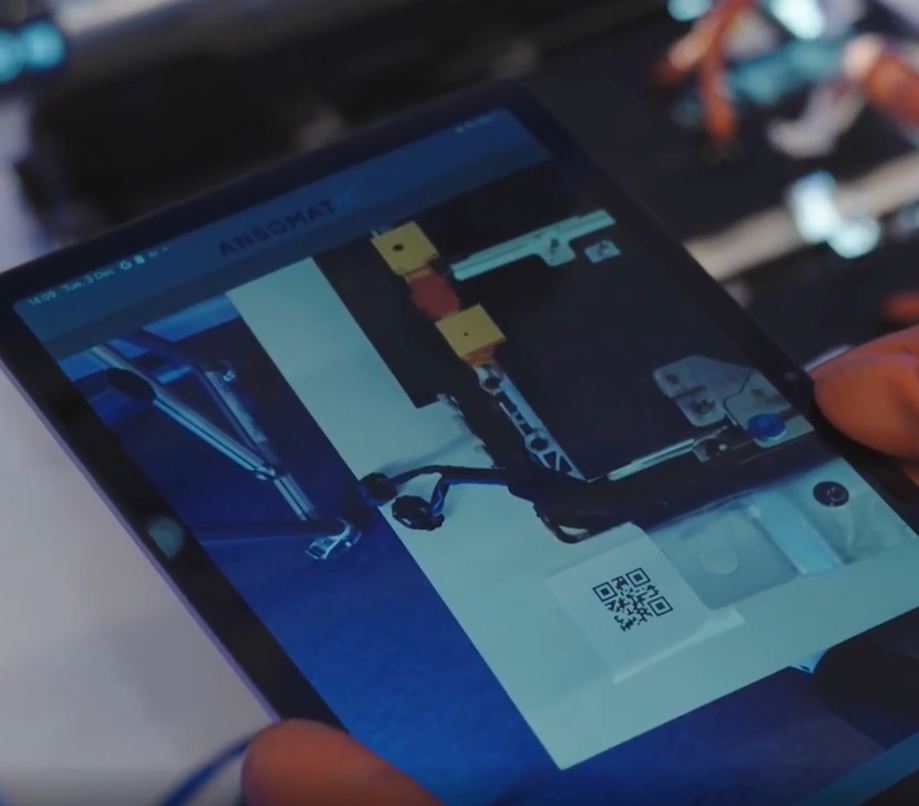
Digital Work Instructions guide the technician through each stage of the repair.
Instructions, images, process parameters and quality checks are shown when they are needed, helping technicians follow complex procedures consistently.
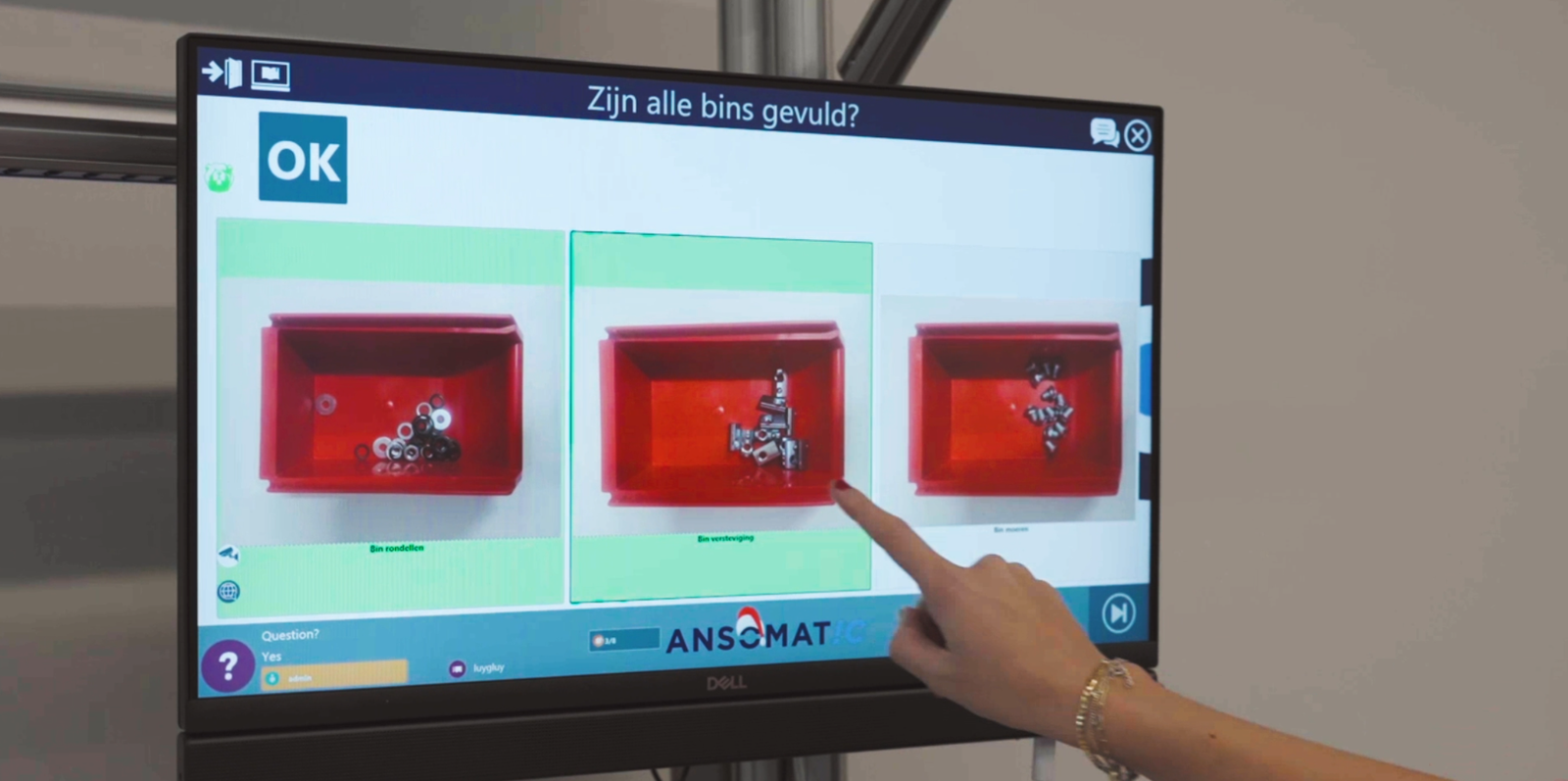
Torque-controlled operations are integrated directly into the workflow.
Connected digital torque wrenches receive the required parameters and send torque and angle results back to the system automatically.
This means tightening and documentation become part of the same process instead of two separate tasks.
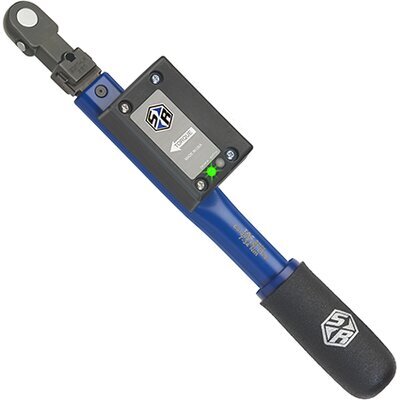
Before certain critical operations begin, the technician performs a torque test using an integrated testing unit.
The result is automatically captured and compared with the permitted specification.
Within specification:
The tool receives an OK result and the technician can continue.
Outside specification:
The tool receives an NOK result and the workflow directs the technician to the appropriate corrective or calibration procedure.
This turns torque wrench verification from a separate manual check into an integrated part of the MRO workflow.
Manual quality checks can also be included in the digital process.
For example, technicians can capture photographic evidence with the Ansomat Companion App and link it directly to the relevant repair step.
The digital repair record can bring together:
Simply displaying a paper instruction on a screen digitalizes the document. It does not necessarily digitalize the process.
A connected workflow can react to what happens during the repair.
A required quality check can prevent the technician from continuing. A connected tool can automatically provide a result. An NOK torque validation can trigger a corrective workflow. Process data can be recorded without manual entry.
Digital Work Instructions therefore become an active part of process control rather than simply a replacement for paper.
With a traditional paper-based process, quality teams may need to reconstruct what happened using different documents, manually entered values and separate systems.
With Ansomat, the digital repair record is created while the work is being performed.
It can include component identification, completed process steps, operator actions, quality checks, torque validation results, tightening data, tool status and photographic evidence.
This provides evidence not only that the repair was completed, but also how it was performed.
The complete workflow moves from:
Paper instructions → Digital Work Instructions
Standalone tools → Connected digital torque wrenches
Manual tool checks → Automated torque validation
Manual documentation → Automatic process data capture
Fragmented quality records → Full digital traceability
The result is a more connected and controlled aerospace MRO process with:
Moving away from paper is only the starting point.
The real value comes from connecting instructions with the technicians, tools and data involved in the repair.
A paper instruction tells the technician what should happen.
A connected digital workflow helps guide, validate and document what actually happens.
Ontdek hoe digitale koppelverificatie de kwaliteit kan waarborgen en naleving kan vereenvoudigen.